Fish Tower Defense
 FOOLFISHGAMES
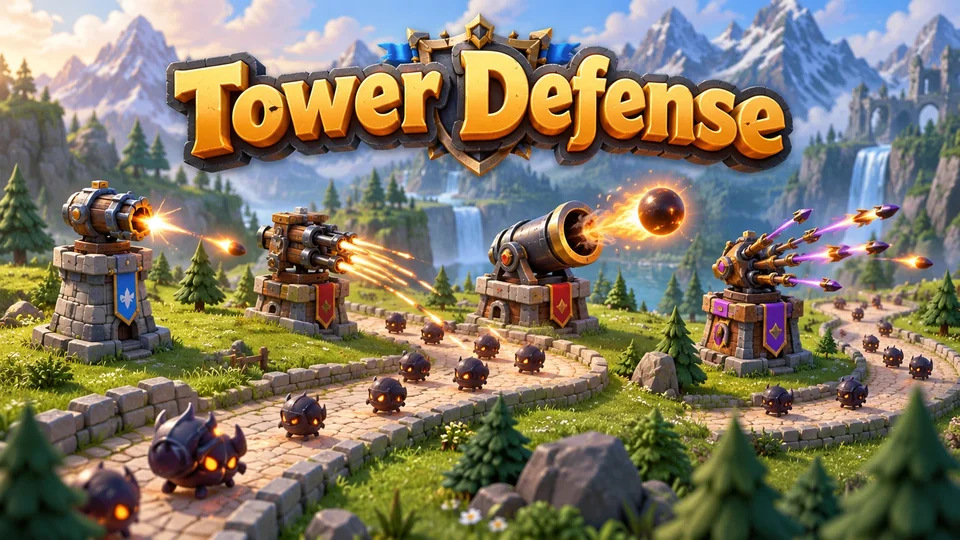
Play Tower Defense online free.
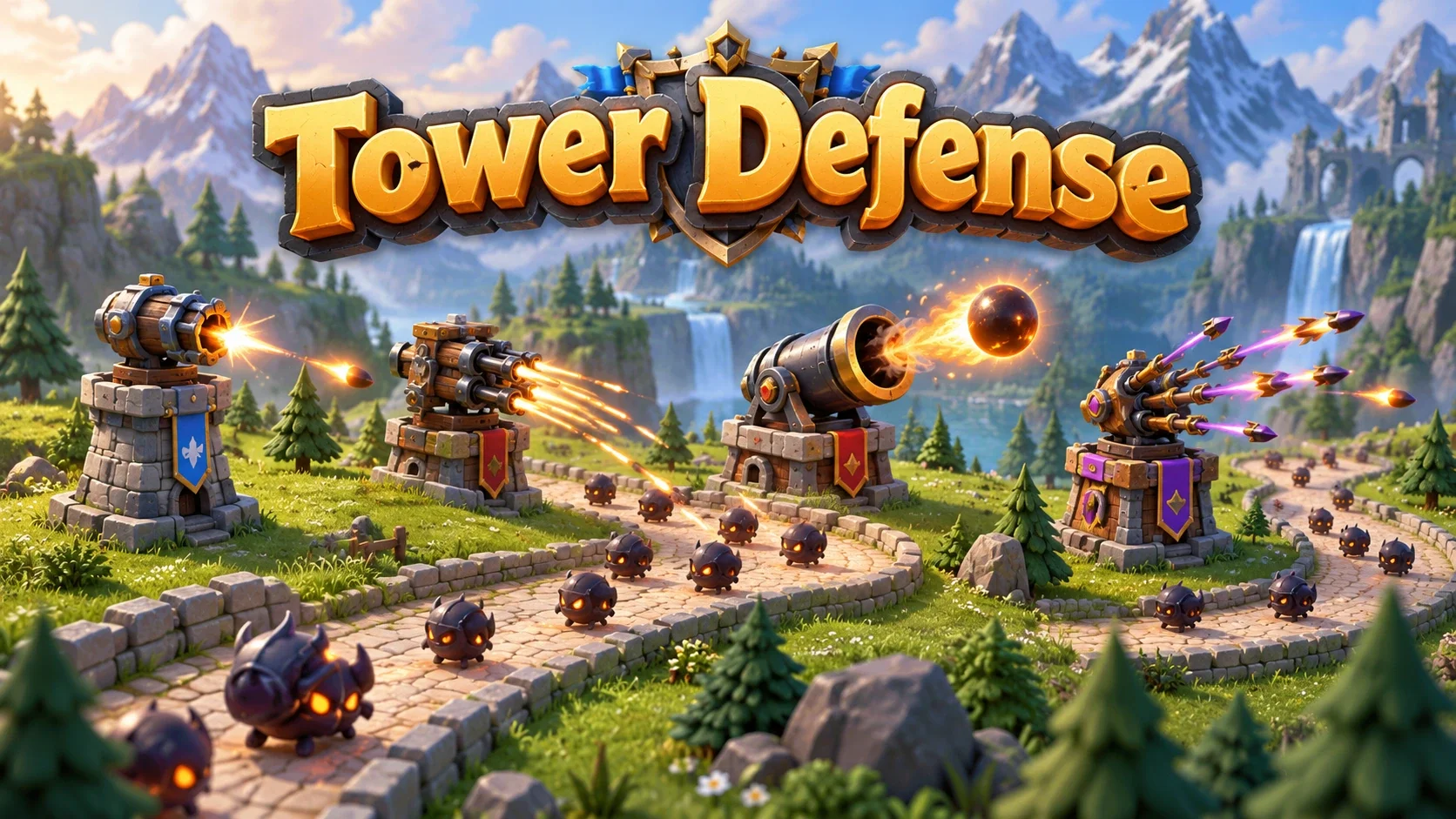
Play Tower Defense online free. Build and upgrade four towers, defend endless enemy waves, and create custom maps in this single-player strategy game.
Choose Default Map, Zig-Zag Map or a saved custom map, then select Start Game. Click a tower button and click an open place beside the route to build. Towers cannot be placed within 40 pixels of the path or within 30 pixels of another tower.
Start with 100 health and 300 gold. Basic costs 20, Rapid 40, Cannon 60 and Multishot 100. Click a built tower to select it, then Upgrade or Sell. Upgrades increase damage and range; their price grows with the level. Selling returns 70% of the total money spent on that tower.
Press Start Wave to send the enemies. Towers shoot automatically at the first enemy in range; regular enemies, stronger enemies and two special boss waves use the original rules. The Wave 10 Boss is the entire one-enemy wave; Wave 30 starts with a Super Boss and continues with regular or strong enemies.
Earn money from defeating enemies and 50 gold after a completed wave. Escaping enemies damage your health. At zero health, Game Over shows your final wave, tower count and defeated enemies; Restart Game starts a fresh battlefield on the same map. Waves continue indefinitely: there is no final campaign victory.
During a wave, Space or 0 pauses/resumes. Speed cycles 1x–4x by button; keys 1–9 select speed. B/R/C/M select towers and U upgrades the selected tower. The speaker toggles sound, the loop icon toggles automatic next waves and ? opens Help. Touch users tap the same controls; landscape offers larger targets on phones.
Create Custom Map opens the original path editor. Tap points, use Undo/Clear, name the route and Save Map after at least two points. Maps below the field returns to the selector after confirmation and ends the current battlefield while preserving your custom map.
Save stores the complete wave, towers, upgrades, active enemies, bullets, cooldowns, settings and map editor draft. Guest progress stays in this browser. Supported signed-in FoolFish sessions sync scoped checkpoints; conflicts require a choice. Save also exports or imports a validated JSON checkpoint. Standard and Fish saves are separate. There are no remote multiplayer rooms.
Mouse
Touch
Keyboard
Build four types of tower beside a winding route and stop incoming enemies. Tower Defense is a free browser tower defense game about placement, timing and spending. The enemies follow a visible route, and your towers attack automatically when a target enters their range. You choose the defensive layout and when to launch the next wave.
Choose from four tower types, two built-in maps and a custom route editor. Survival waves continue indefinitely, so the challenge is extending a defense as enemies grow stronger. There is no fixed last campaign level or final victory screen.
Choose a map and start the battlefield. You begin with 100 health and 300 gold. Select a tower button, then click or tap an open spot next to the route. The game prevents building too close to the path or another tower. Start Wave brings in the first enemies; once every planned enemy has been defeated or escaped, the next wave becomes available.
Watch the route rather than placing towers wherever there is space. A position near a bend can cover more than one stretch. Enemies that reach the exit damage your health, so an inexpensive tower in a useful position can matter more than a costly tower that rarely gets a target. Try strategy games for other planning challenges.
Basic costs 20 gold and starts with 20 damage, 80 range and a 1000 ms firing interval. Rapid costs 40 gold, with 10 damage, 60 range and a 300 ms interval. Cannon costs 60 gold, with 50 damage, 100 range and a 1500 ms interval. A Cannon projectile damages the enemy it hits; it does not create an area explosion.
Multishot costs 100 gold. It starts with 15 damage, 90 range and a 1200 ms interval, firing three projectiles across a spread. Its projectile count rises by one per additional tower level. Different firing patterns make different positions useful, but every tower uses the first-in-range targeting order.
Click a placed tower to select it. Each upgrade adds 10 damage and 10 range. The first upgrade is 30 gold for Basic, Rapid and Cannon, or 60 gold for Multishot. Later upgrade prices rise by half that base cost per existing level. An upgrade does not independently improve the firing interval.
Selling refunds 70% of the tower purchase and every upgrade paid for it, rounded down. Defeated enemies award gold according to their type and wave; a completed wave adds 50 gold. Between waves, compare expanding the coverage of an existing tower with buying another tower to cover a gap. For another planning challenge, try Chess.
Default Map follows a series of right-angle turns. Zig-Zag Map uses slanted stretches and sharp reversals. These two routes give you different bends and overlapping tower ranges to plan around. The paired Fish edition presents the same path coordinates with ocean artwork.
Create Custom Map lets you draw a route by placing points. Its first point is the spawn and its last point is the exit. Add at least two points, use Undo or Clear when needed, give it a name and choose Save Map. Only one saved custom map is listed alongside the two built-in maps. The Maps control returns to the selector after confirmation, preserving your custom route and preferences.
Wave 1 has seven enemies; ordinary wave sizes then grow by two. Stronger enemies can start appearing after Wave 3, alongside the regular enemies. Their health, movement speed and gold reward increase as waves advance. A wave is finished only after every planned enemy has spawned and no active enemy remains on the field.
Wave 10 is a special one-enemy Boss wave. Wave 30 begins with a Super Boss and still has its ordinary 65-enemy total. These are the two fixed special wave numbers in the game, rather than a boss every ten rounds. If your health reaches zero, Game Over displays the final wave and statistics. Restart reuses the current map; the survival game has no last numbered level to complete.
Use B, R, C and M to choose tower types, U to upgrade a selected tower, and Space or 0 to start or pause as appropriate. During a wave, keys 1–9 choose game speed; the on-screen button cycles 1x–4x. Click or tap the native controls to build, select and manage towers. Pause to plan when the wave is moving too quickly.
Save keeps the whole battlefield: map, tower statistics, active enemies and projectiles, firing cooldowns, spawn timer, automatic next-wave delay, sound preferences and map-editor draft. Guest checkpoints remain in this browser. Supported signed-in FoolFish sessions can sync compatible account checkpoints; conflicts ask which whole checkpoint to keep. A cloud write waiting for an account acknowledgement is shown separately from a browser save. Download save and Import save provide a validated JSON copy for the same edition.
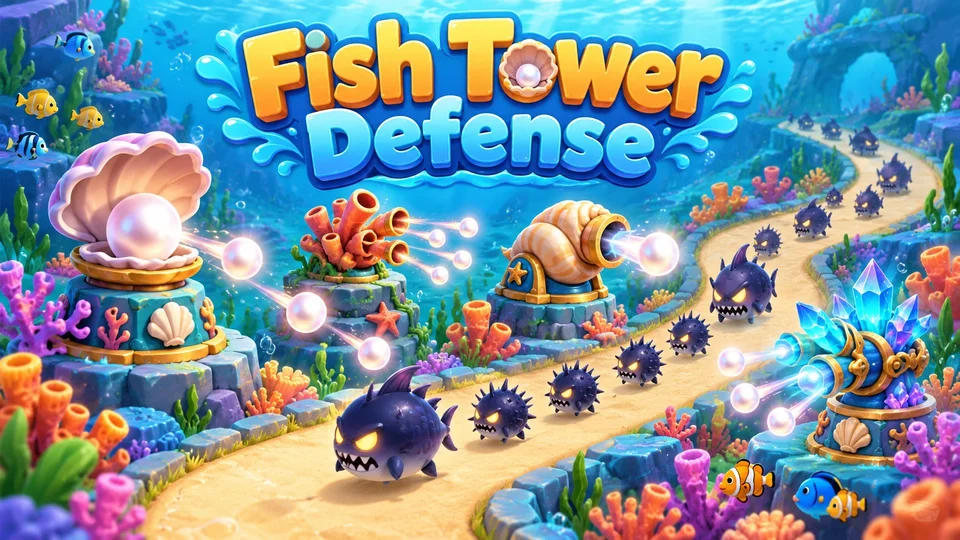
Try Fish Tower Defense for the paired presentation. The ocean artwork changes towers, enemies, paths, icons and sound while preserving the same costs, upgrades, waves, editor and targeting. Each edition has a separate game identity and save slot.
For another planning challenge, try Chess or Minesweeper. Browse strategy games and puzzle games to choose another kind of solo challenge.
Yes. The browser game is free to play, with no paid towers, premium waves or online multiplayer room. Guest players can use browser checkpoints.
There are four tower types: Basic, Rapid, Cannon and Multishot. Default and Zig-Zag are the two built-in maps, and the native editor can save one custom route.
No. This is an endless wave survival game. Its fixed special waves are the one-enemy Boss wave 10 and a Super Boss at the start of wave 30; ordinary waves continue after that.
Every upgrade adds 10 damage and 10 range. Upgrade prices rise with the level; selling refunds 70% of the purchase and all upgrade spending, rounded down.
Save keeps the complete battlefield, active enemies and projectiles, towers, timers and map draft. Guest saves stay in the current browser; supported signed-in FoolFish sessions can sync account-scoped checkpoints. Save files can be downloaded and imported into the same edition.