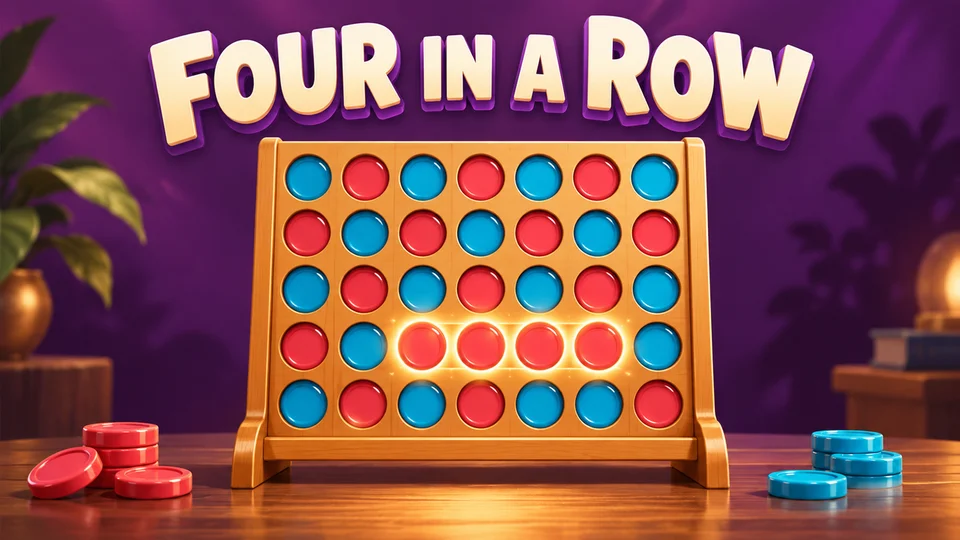
Four-in-a-row game
Four in a Row
Drop discs into a column and connect four before your opponent.
Trackpad FOOLFISHGAMES
Find a little time to play with FoolFish. Choose free browser games for school and work breaks, from short board games to longer number puzzles. No game app download.
Drop discs into a column and connect four before your opponent.
Trackpad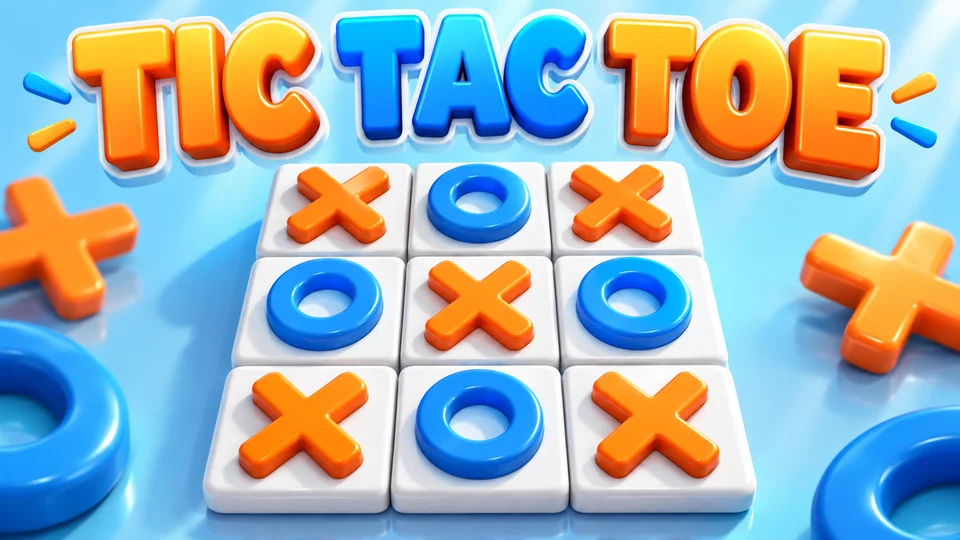
Line up three marks against the computer or a friend.
Trackpad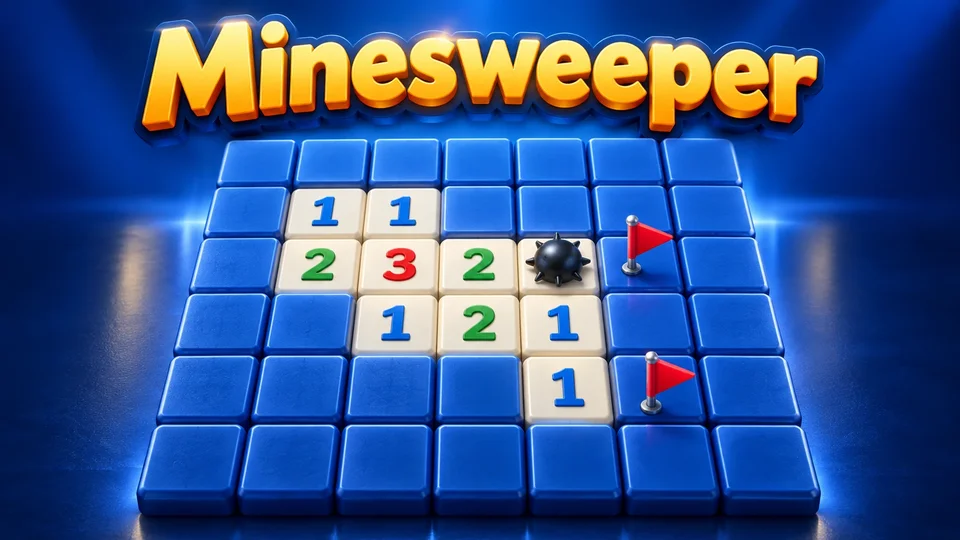
Read the number clues and uncover the safe squares.
Trackpad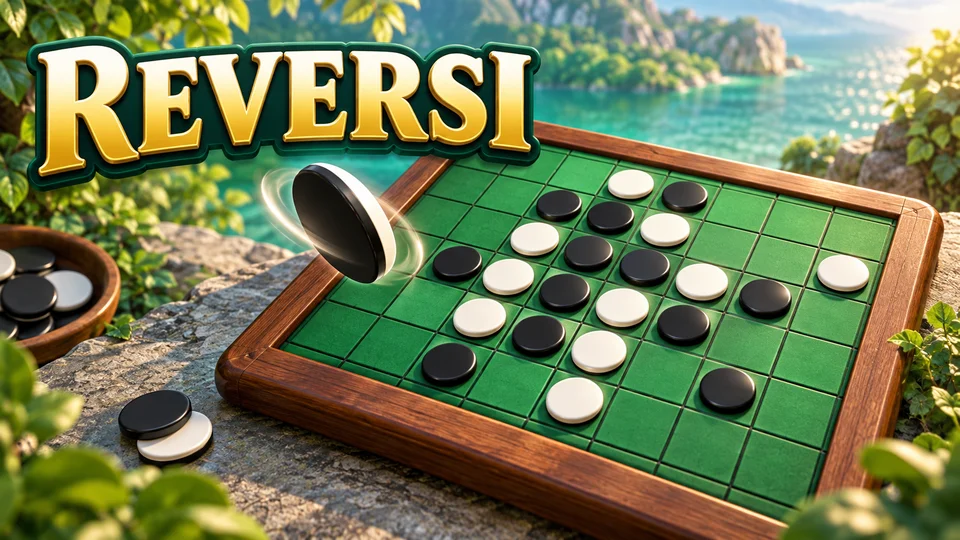
Bracket opposing discs and flip them to claim the board.
Trackpad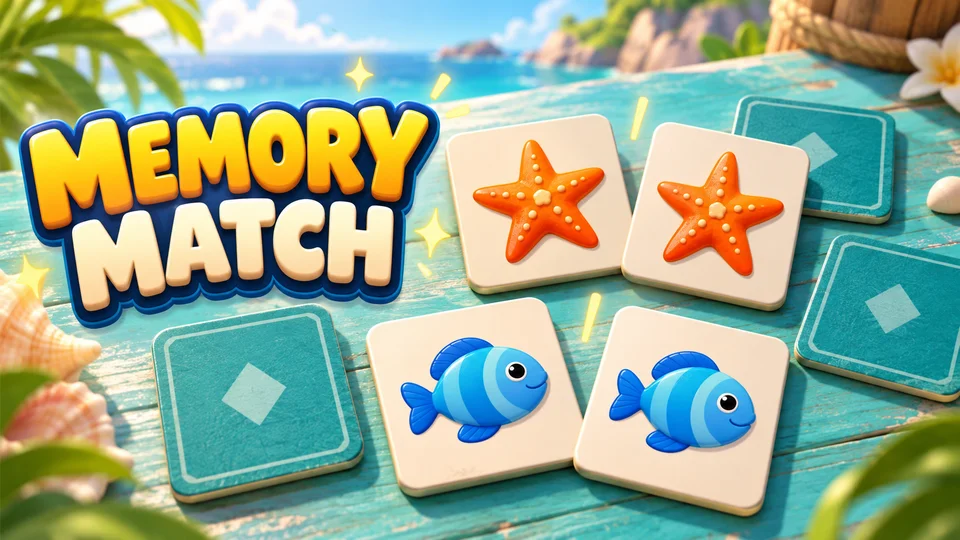
Remember the ocean cards and reunite every matching pair.
Trackpad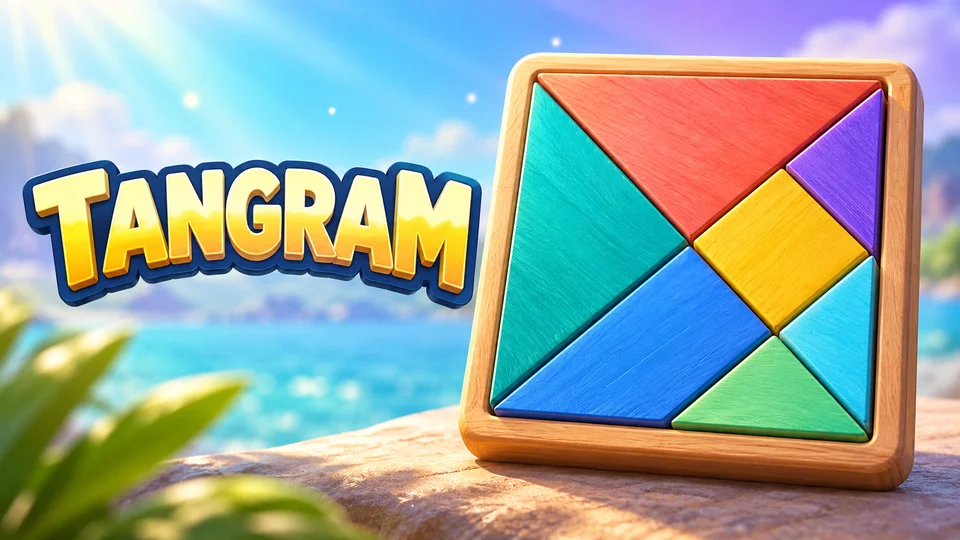
Rotate and flip seven shapes to fill each ocean silhouette.
KeyboardTrackpad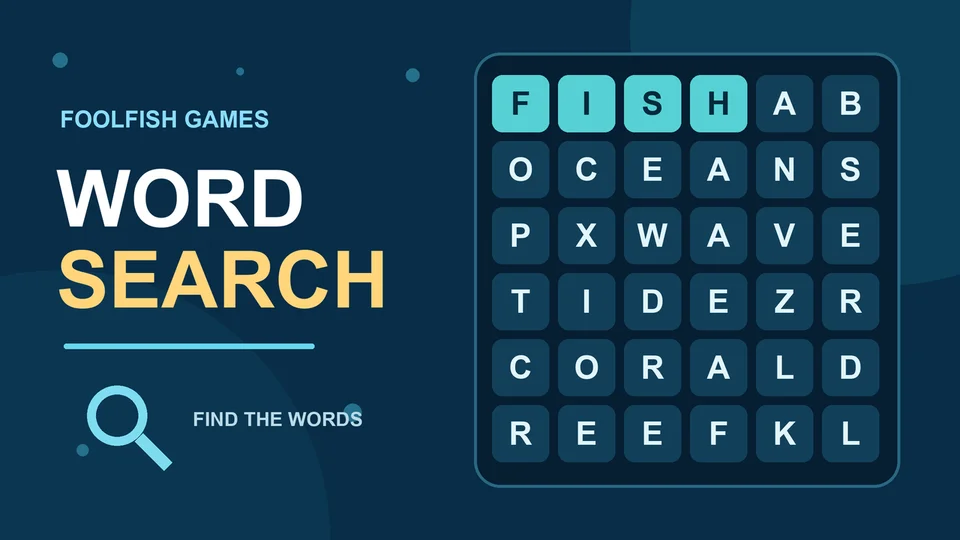
Find hidden words across, down and along the diagonals.
TrackpadChoose a game to fit your break. For a break at work, choose a logic puzzle or a familiar board game from this collection. Try a small clue-based board when you want a logic challenge, or choose a turn-based board game to share one device.
Looking for a two-player browser game for a school or work break? Four in a Row lets you share one device, drop alternating discs and race to a line of four. Play the computer when you want a solo round, and watch for diagonal threats as well as straight lines.
Tic Tac Toe is a quick choice for a work or school break. Play the computer, or share a two-player game with a friend on the same device. Place Xs and Os, block the next winning move and aim for three in a row.
Try a small Minesweeper board for a clue-reading challenge. Numbers show how many mines touch a square; use them to flag suspected mines and uncover the safe cells. Each new board gives you a different puzzle.
Reversi offers a turn-based strategy game for a longer work or school break. Share the board with a friend or play the computer, turning captured lines to your color. A player with no legal move must pass; the round ends when the board is full or neither side can move.
Choose six pairs for a small memory challenge during a break, or twelve when you want a larger board. Memory Match on FoolFish keeps found pairs visible while the other cards turn back over. Match every ocean friend to finish the round, with no app download.
FoolFish Games offers free online games with no game app to download, from small word searches to board-game endgames. If you are choosing games for a school break or quick games to play at work, start with a lesson or an easy puzzle and decide whether to continue after that round.
Have five minutes? Choose a small opening challenge rather than a full classic game. The time needed depends on your moves: an easy puzzle can be quick, while a larger board can take longer. School and workplace network settings determine which sites you can open.
Playing on a Chromebook? Explore FoolFish’s free Chromebook games and filter by keyboard or trackpad. For a different challenge, browse puzzle games.
Tic Tac Toe has short rounds against the computer or a friend on the same device. For a different challenge, try a small number or logic puzzle.
Access depends on your school or workplace’s network settings; play where games are allowed.
The games open online in your browser, with no separate game app to install. Choose a game, read the controls and select Play now.
Check the game’s save options and the player’s save status before leaving. Return with the same browser profile or the account you used to save.