Word Solitaire
 FOOLFISHGAMES
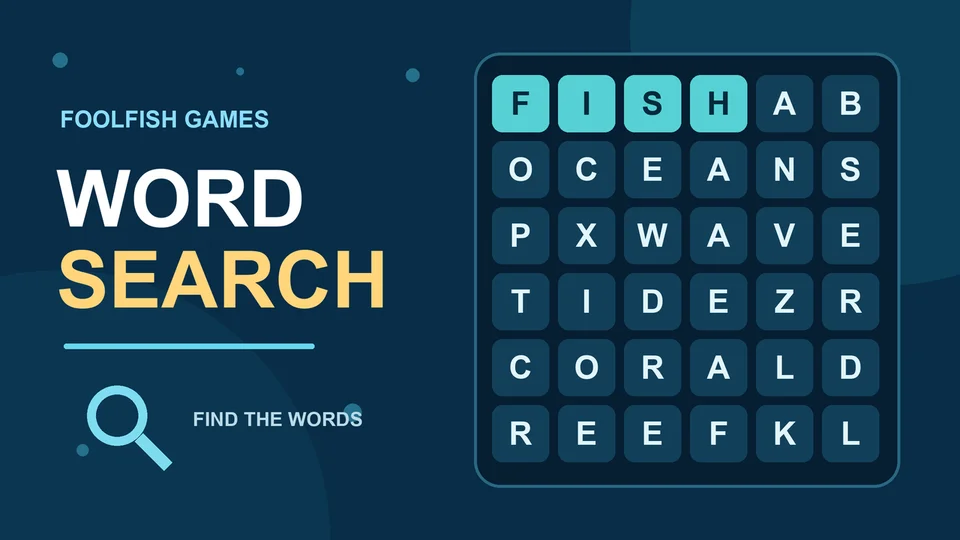
Play Word Search online free.
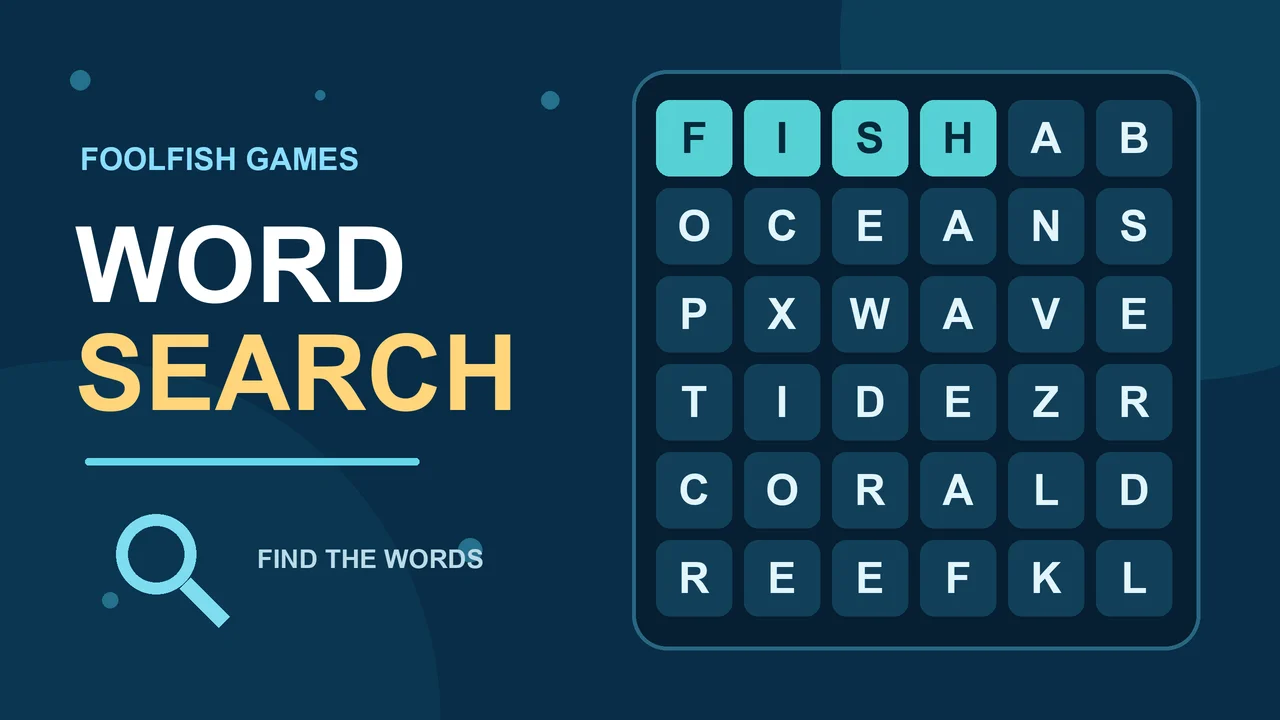
Play Word Search online free. Find hidden words in eight straight directions, edit your own word list, reveal solutions and download a printable SVG grid. Play Word Search in your Chromebook browser during a word-puzzle break. Find words in eight directions, or create a grid from your own word list without downloading a game.
Drag from a word's first letter to its last letter. Words run horizontally, vertically or diagonally, forward or backwards. Correct finds stay highlighted. Find every placed word to complete the puzzle.
Edit the word fields or use Add word and Remove last word, then choose Recreate grid for a new puzzle. The generator options let you adjust grid growth, overlap and filling.
Choose Solve Puzzle to reveal hidden words, or Download grid as SVG image to print your grid. Revealing answers does not replace finding the words yourself.
Take your time: there is no timer. Your puzzle and custom word list are saved as you play, so you can return to the same browser and continue.
Mouse
Touch
Word Search on FoolFish Games begins with SEA, FIN and SUN in a 5×5 letter grid. Look across and down, then select a word's first and last letters to mark it. Once you find all three, Play next opens Easy Reef: a 7×7 board with five ocean words.
Ocean Explorer adds seven words on an 8×8 board and introduces diagonal paths. Use the word list to choose a starting letter, then check the letters in a straight line. Finishing one word can help you separate familiar letters from the rest of the grid without guessing every possible path.
The small opening board makes this an easy online word search to start during a short browser break. For a different kind of visual search, try Memory Match, or explore more Chromebook games without a game download.