Daily number game
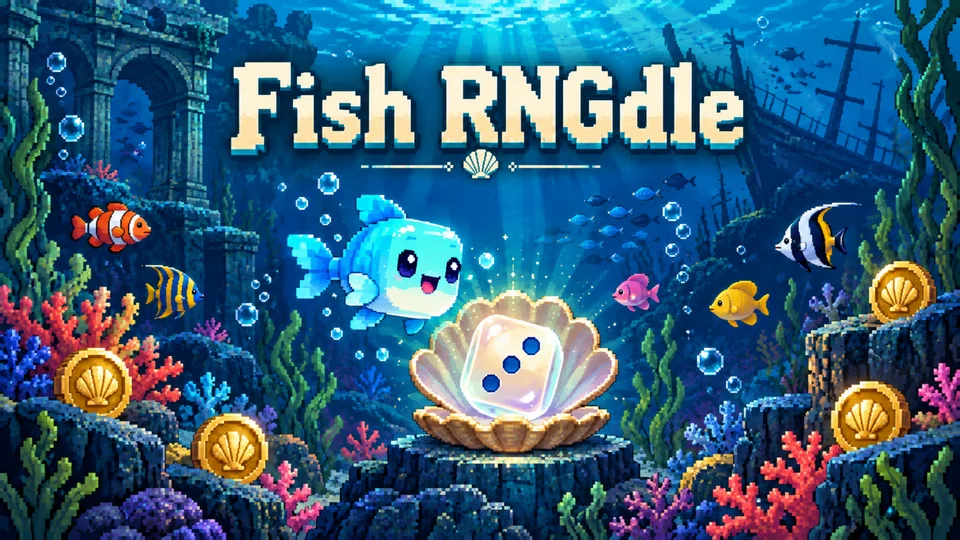
Fish RNGdle
Reveal a daily random number and discover its hidden patterns.
Trackpad FOOLFISHGAMES
Play free Chromebook games online on FoolFish, with no game download. Choose a number puzzle, logic challenge or familiar board game for a break at school, work or home.
Reveal a daily random number and discover its hidden patterns.
Trackpad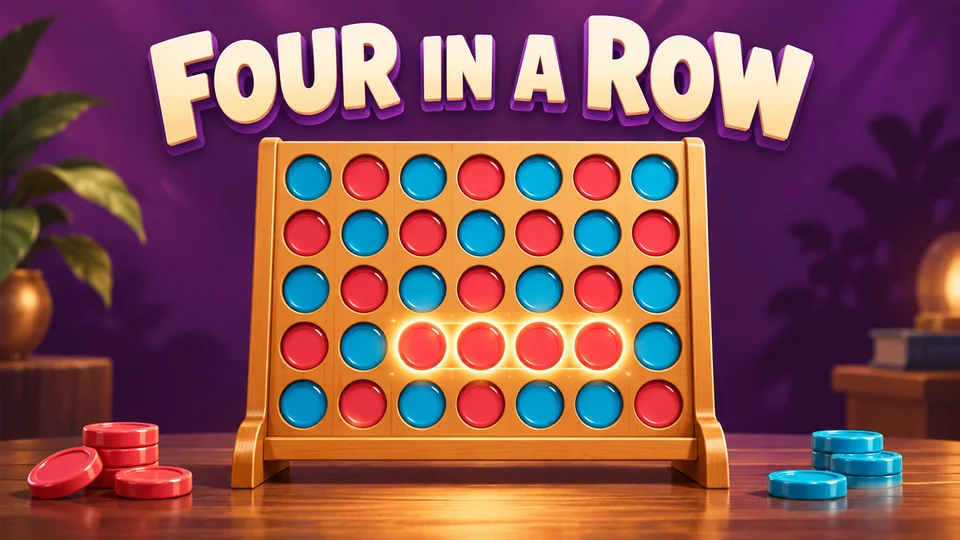
Drop discs into a column and connect four before your opponent.
Trackpad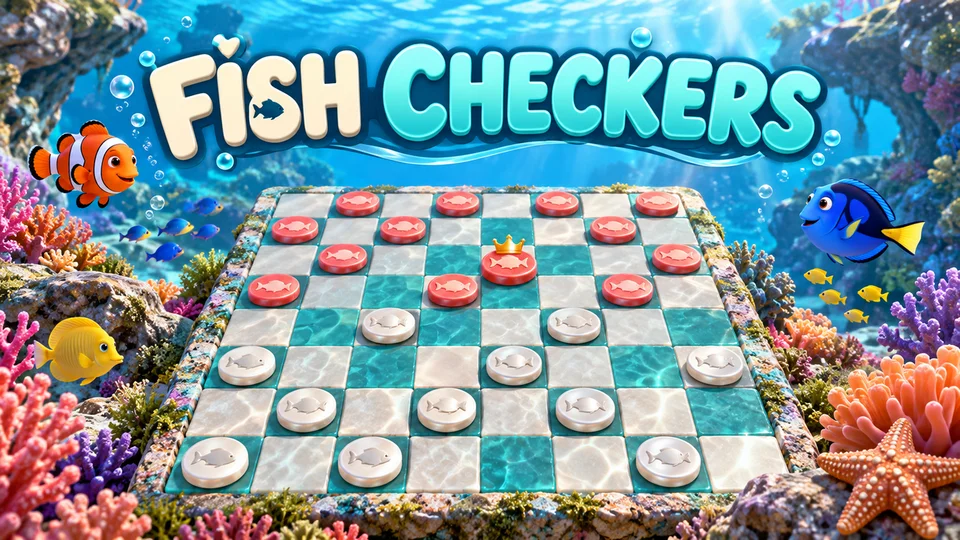
Jump opposing pieces and crown your coral and pearl kings.
Trackpad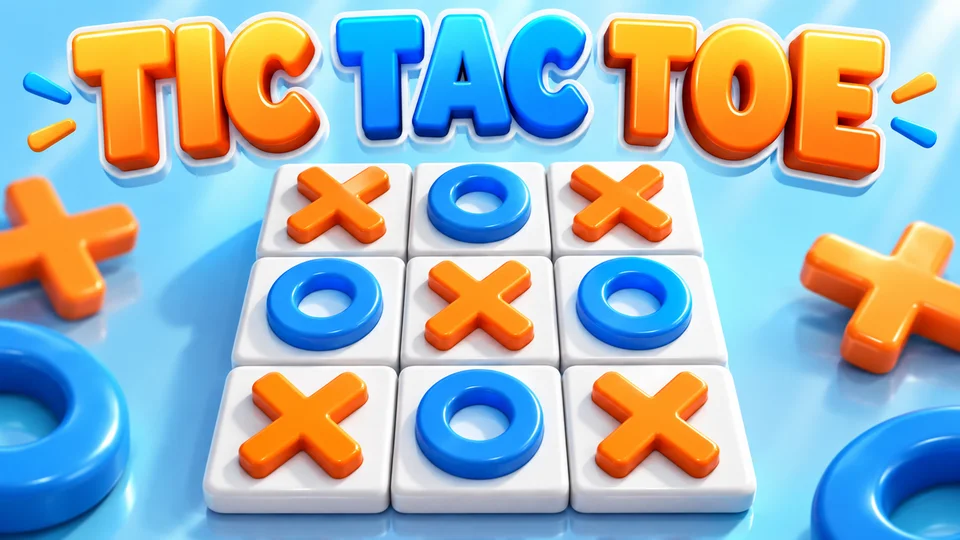
Line up three marks against the computer or a friend.
Trackpad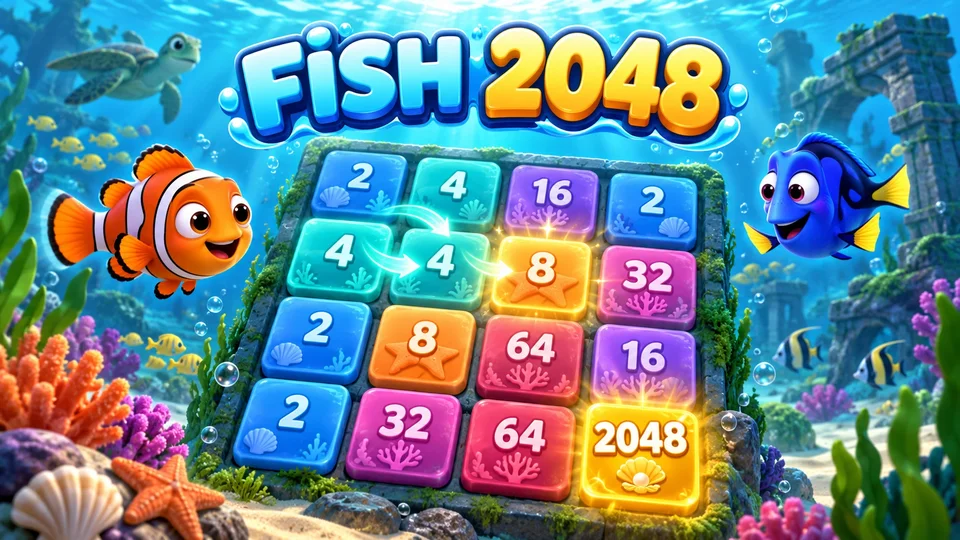
Slide matching tiles together and build your way to 2048.
Trackpad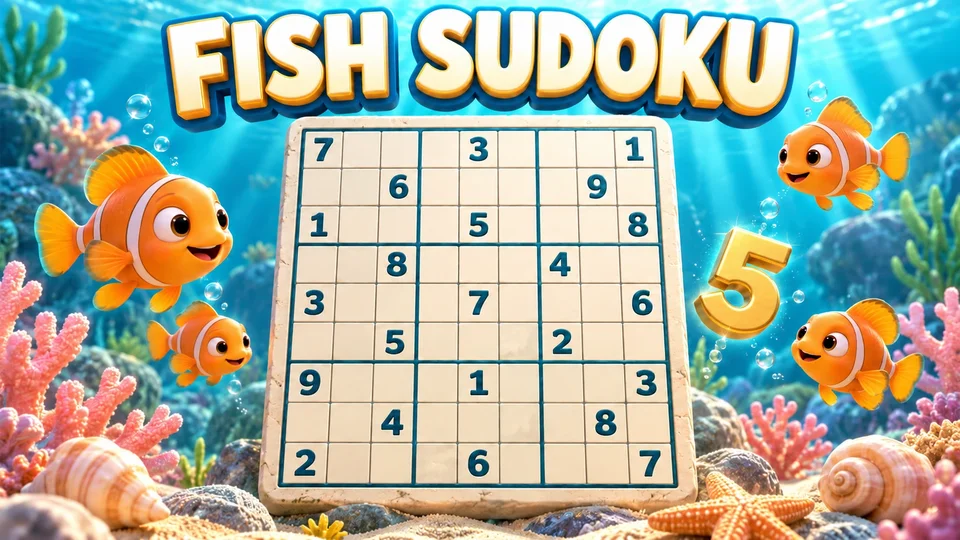
Fill a 9×9 grid using rows, columns and 3×3 boxes.
KeyboardTrackpad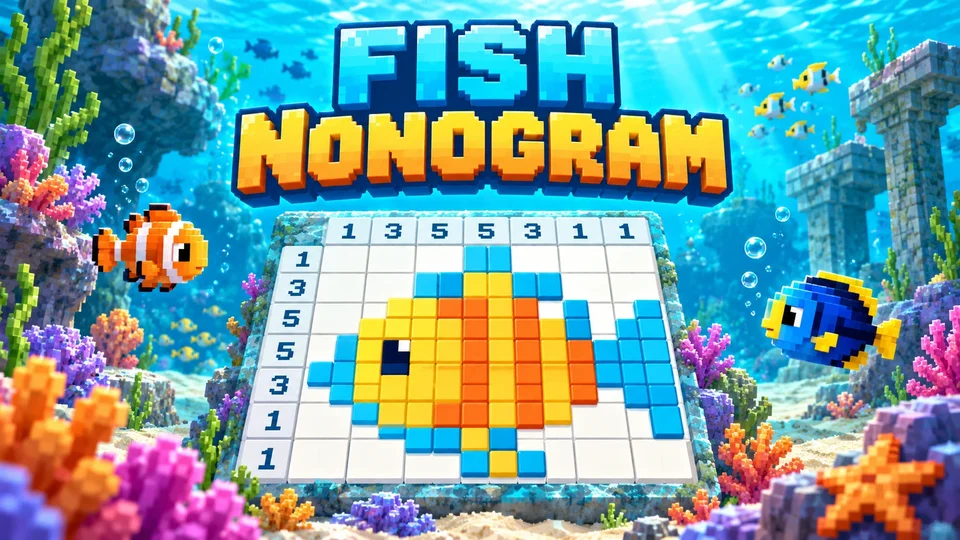
Use number clues to reveal fish and reef pixel pictures.
Trackpad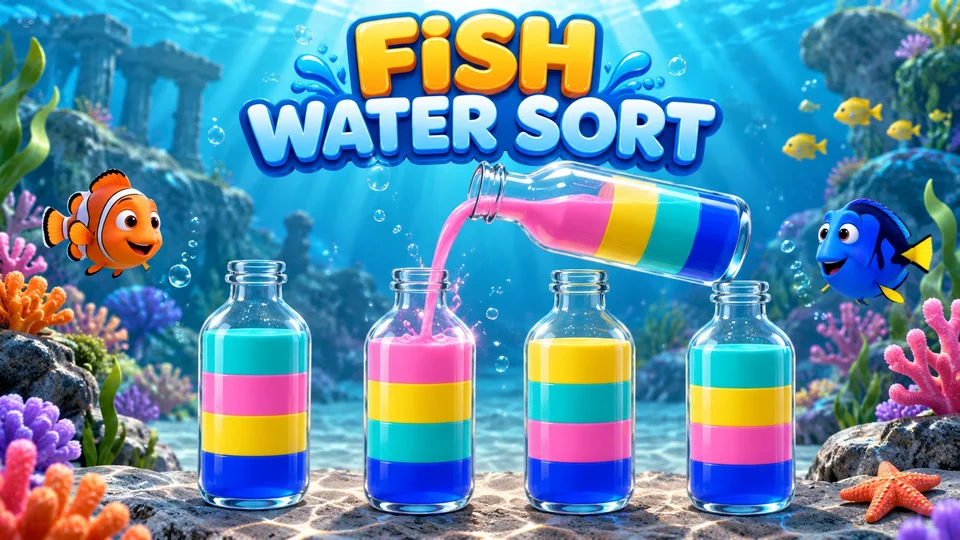
Pour matching colors until each bottle holds a single color.
Trackpad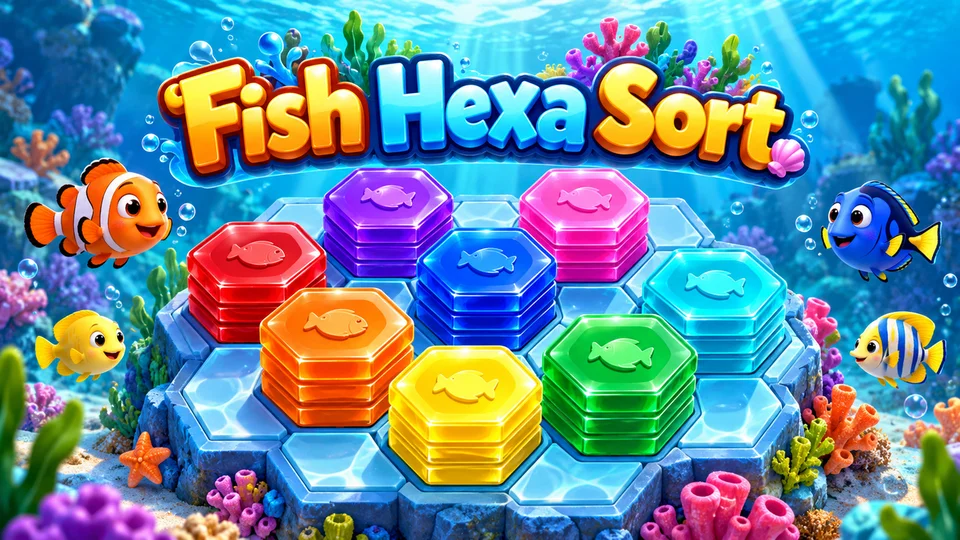
Place color stacks, merge their tops and clear matching runs.
Trackpad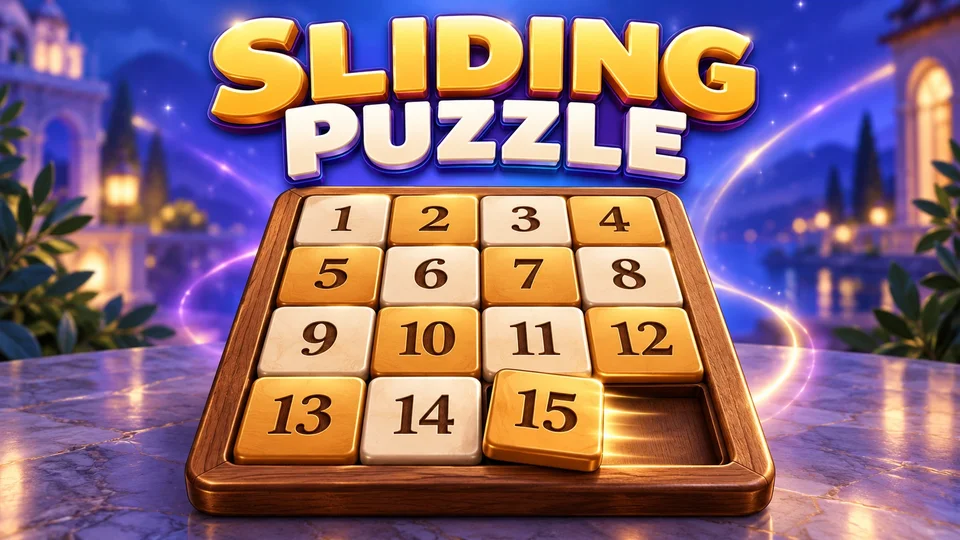
Move tiles through the empty space to put numbers in order.
Trackpad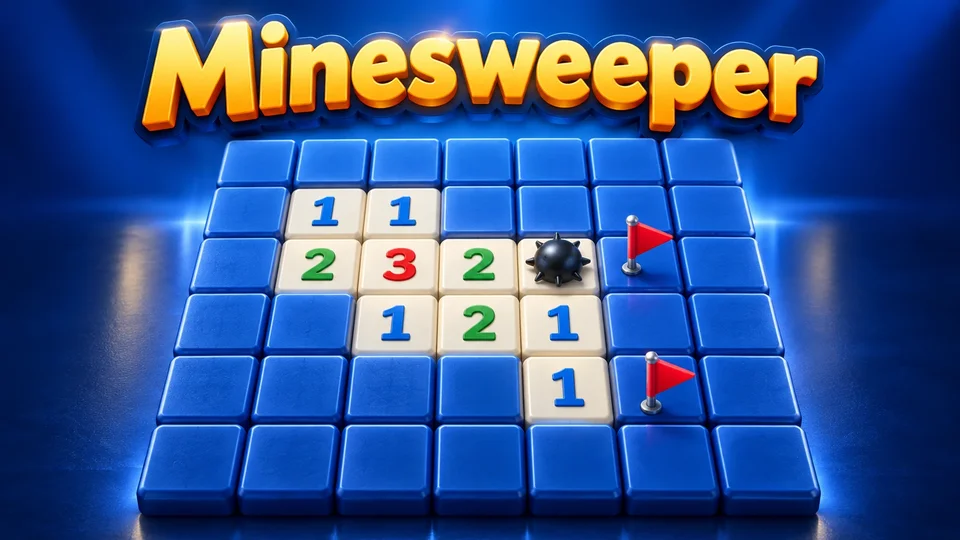
Read the number clues and uncover the safe squares.
Trackpad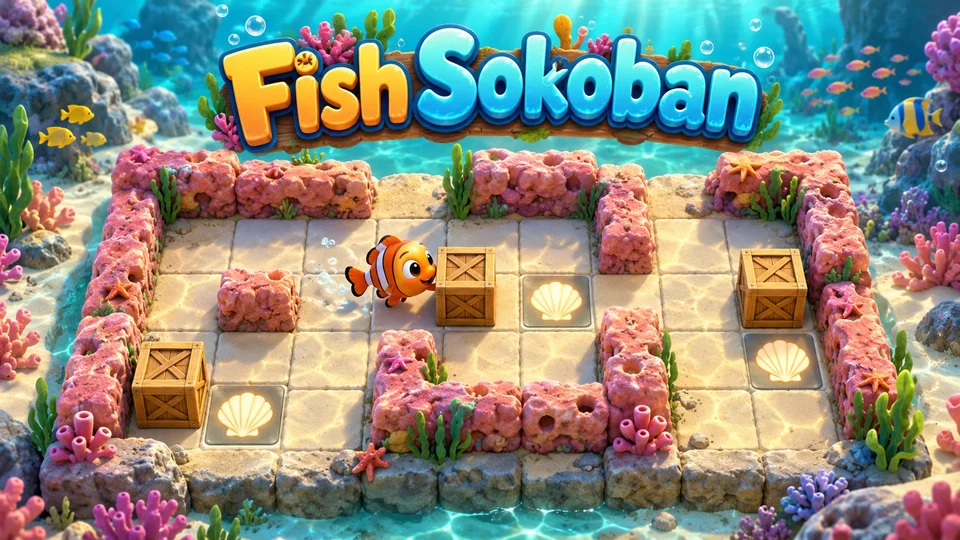
Push ocean cargo onto every goal without boxing yourself in.
KeyboardTrackpadChoosing games to play on a Chromebook at school? Start with a number puzzle or a familiar board game. For a quick break at work, try Tic Tac Toe online. For a longer number puzzle, choose Fish Sudoku. Each game page has the rules and controls to help you get started.
Fish RNGdle is FoolFish’s daily random-number game, playable in your Chromebook browser. Generate one number each UTC day, then discover prime numbers, palindromes, repeated digits and other pattern badges in the result. Read its rarity and entropy points, or share the roll with a friend.
Four in a Row puts a classic 7×6 board in your browser with no download. Drop a disc into a column and connect four horizontally, vertically or diagonally. Choose one of six computer levels or take turns with a friend on the same device; Hint and Undo help you explore another move.
Play Fish Checkers on FoolFish against five computer levels or a friend sharing your Chromebook. Move diagonally, take a jump whenever one is available and continue a capture chain with the same piece. Reach the far edge to earn a king that can move and capture in both directions.
Play Tic Tac Toe online against the computer, or choose the two-player mode to take turns with a friend on the same screen. Start with a 3×3 board, make a line of three and watch for a move that blocks your opponent.
Fish 2048 is a 4×4 number-merging puzzle: equal tiles combine as the whole board slides. Use the arrow keys, keep space for your next merge and work toward the 2048 tile. One-step Undo lets you rethink a move.
Looking for games to play on a Chromebook at school? FoolFish Games brings together browser puzzles and familiar board games. Choose a game during a permitted break. Many puzzles offer a small opening lesson followed by an easy round, so you can learn a move as you play.
These free online games need no separate game download. Your browser loads the game when you select Play now. Use the Keyboard or Trackpad filters above to choose controls that suit your Chromebook; each game page explains its own inputs and save options.
For another way to choose, explore FoolFish’s browser games for school and work breaks, or browse all game types for your favourite mechanic.
No separate game app is needed. Open a game page and select Play now to load it in your browser. You need an internet connection to load the game.
Check the labels on each game card, or choose a control above to narrow the collection. The game page explains the keys and buttons before you play.
Play during breaks where games are permitted. School and workplace administrators decide which sites their devices and networks can open.
Each game has its own save options. Check the save status in the player before leaving, then return using the same browser profile or the account you used to save.