2048
 FOOLFISHGAMES
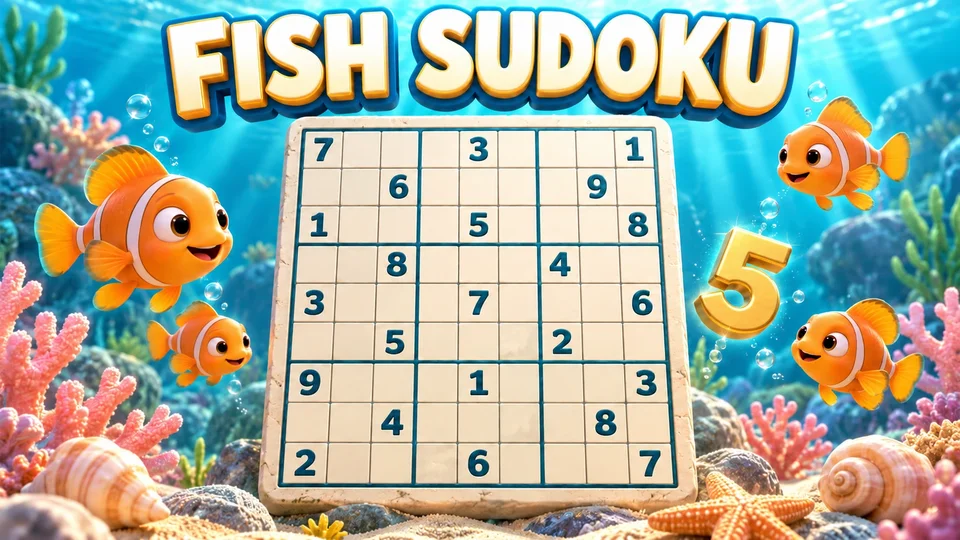
Play Fish Sudoku free online with an ocean theme and 400 uniquely solvable 9×9 number puzzles.
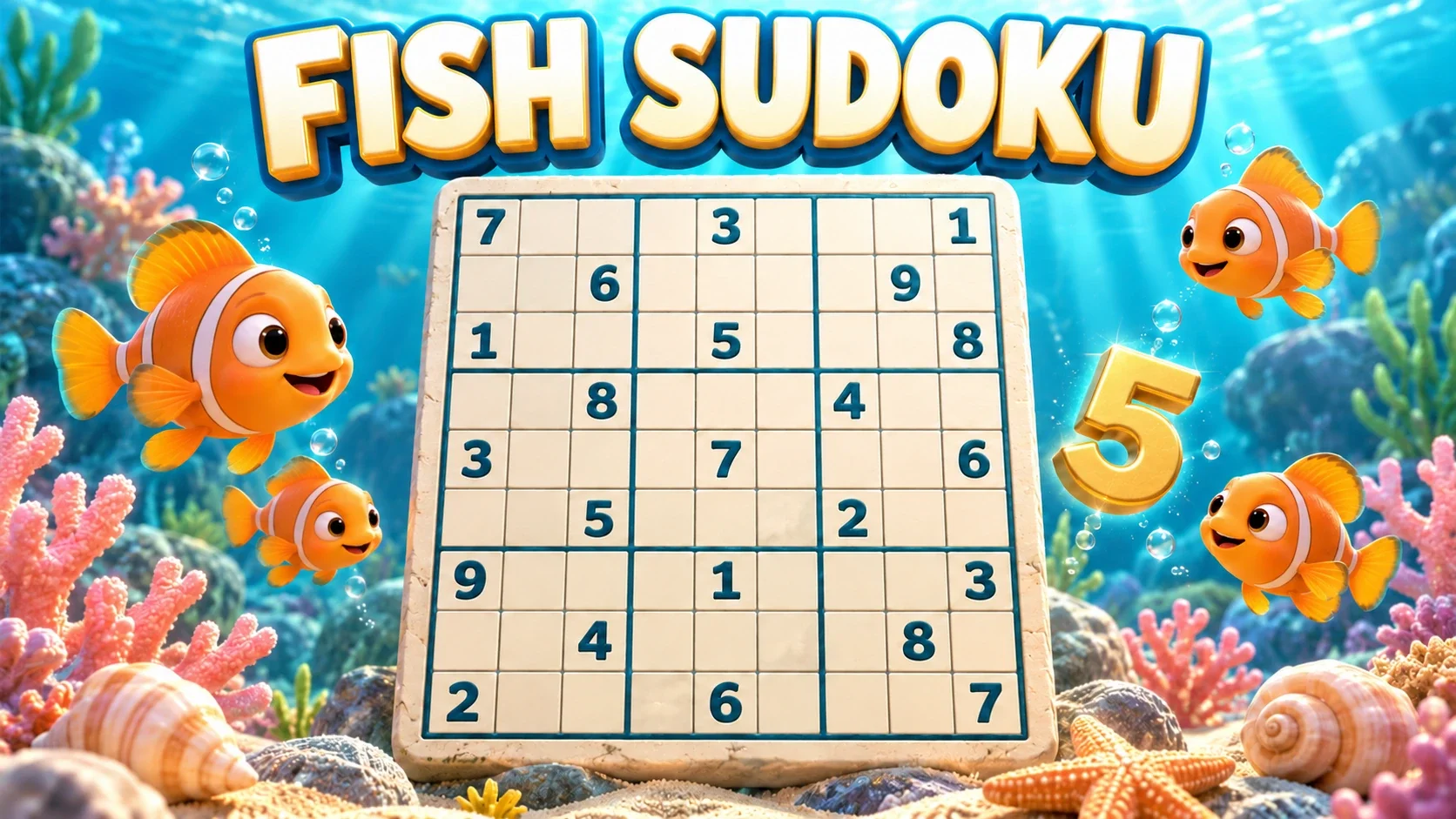
Play Fish Sudoku free online with an ocean theme and 400 uniquely solvable 9×9 number puzzles. Choose four difficulties, pencil notes, step-by-step hints and Practice mode. Your browser remembers numbers, notes, timer and undo history.
Fill each row, column and 3 × 3 box with 1–9 exactly once. Select a cell, then use the number pad or keyboard. Arrow keys move; N toggles pencil notes; Backspace/Delete erase; Ctrl/Cmd+Z undo. Choose Easy, Medium, Hard or Expert. Three mistakes end a standard puzzle; Practice removes the mistake limit. Hints explain a next step or ask before revealing an answer. Undo restores entries and notes, but never refunds mistake or hint counts. Pause, continue saved progress, or restart the same puzzle from its original clues.
Mouse
Touch
Keyboard
The objective is the familiar 9×9 Sudoku puzzle: every row, column and 3×3 box must contain 1–9 exactly once. Starting clues are fixed. Select an empty cell and enter a number from the on-screen keypad or your keyboard.
The game checks an entry against that puzzle’s verified solution. Three incorrect entries end a standard game. Practice mode keeps the same Sudoku rules and removes the mistake limit.
Choose from 400 puzzles, with 100 at each difficulty. Easy puzzles use singles. Medium adds locked candidates; Hard adds naked pairs. Expert puzzles can require techniques beyond those. The labels describe the recorded solving techniques, rather than just the number of empty cells.
A new game chooses a puzzle from your selected difficulty and avoids the puzzle you are currently playing. Restart puzzle returns to the same starting clues, with a fresh timer and counters. This is a puzzle bank, rather than a daily shared Sudoku challenge.
Use Notes or press N before entering a digit to toggle a candidate mark in the selected empty cell. Notes are possibilities, not final answers. Switch Notes off when you are ready to place a number.
A correct final number removes that digit’s notes from cells in its row, column and box. Undo restores the previous numbers and notes together, so you can inspect a trial step without rebuilding every candidate by hand.
Hint can identify an incorrect entry to clear, a cell with only one possible number, or the only place for a digit in a row, column or box. Read the explanation and choose whether to apply it.
When these simple techniques do not produce a step, the game offers to reveal one answer from the verified solution. You can decline. Applying a hint increases the hint counter; opening its explanation alone does not.
Undo restores the previous board change, including notes, but it does not refund mistakes or hints. This keeps the standard three-mistake challenge meaningful. Once that limit ends a game, Undo cannot reopen it.
For learning techniques or trying candidates freely, enable Practice before starting. It allows unlimited mistakes while retaining the same objective, notes, hints and verified answers.
Select a cell with your mouse or touch, then use the number buttons. On a keyboard, 1–9 enter digits, arrow keys move the selection, N toggles notes, Backspace or Delete erase, and Ctrl/Cmd+Z undo.
The portrait layout keeps the grid and keypad together on smaller screens. A screen-reader board provides the same 81 cells and keyboard commands through labeled grid cells. Pause stops the timer; opening a menu also pauses active solving.
Your browser can keep the puzzle, numbers, pencil notes, undo history, timer, mistake count and hint count. On return, choose Continue puzzle to resume. Opening New game still lets you cancel and keep the current puzzle.
A conflicting or incompatible save is shown for a decision, rather than silently replaced. Browser saves depend on the same browser storage and game identity. Fish Sudoku stores its progress separately from Classic Sudoku.
Fish Sudoku uses original ocean borders, fish illustrations and cool blue selections around the same numeric Sudoku grid. The theme does not replace the digits with symbols or change the puzzle rules.
Read the Sudoku rules guide if you are learning row, column and box constraints, or browse other logic and number puzzles when you want a different challenge.
Fish Sudoku starts on a 9×9 board with just three empty cells. The lesson points to the next cell and the number it needs, letting you learn by finishing the puzzle. Afterward, Quick 9 leaves nine cells for you to solve; later rounds increase that to eighteen and twenty-seven blanks.
The shorter rounds keep the familiar rule: every row, column and 3×3 box must contain 1–9 without repetition. Compare the three areas before entering a value. Quick 9 describes the number of empty cells, not a different board size, so you can practice the same logic with less to finish at once.
Play this easy Sudoku browser game on FoolFish Games without installing a separate game app. For a different kind of numbered clue, try Minesweeper, or find more Chromebook puzzle games for a brief break.
There are 400 uniquely solvable puzzles: 100 each in Easy, Medium, Hard and Expert.
No. Undo restores board entries and notes, while mistakes and applied hints remain counted.
Yes. Enable Practice before starting. It uses the same Sudoku rules with unlimited mistakes.
No. Choose a difficulty and start a puzzle from the built-in bank whenever you want.
It can retain your puzzle, notes, undo history and timer in the same game’s browser storage. Clear browser data or a different browser will not have that local checkpoint.