2048
 FOOLFISHGAMES
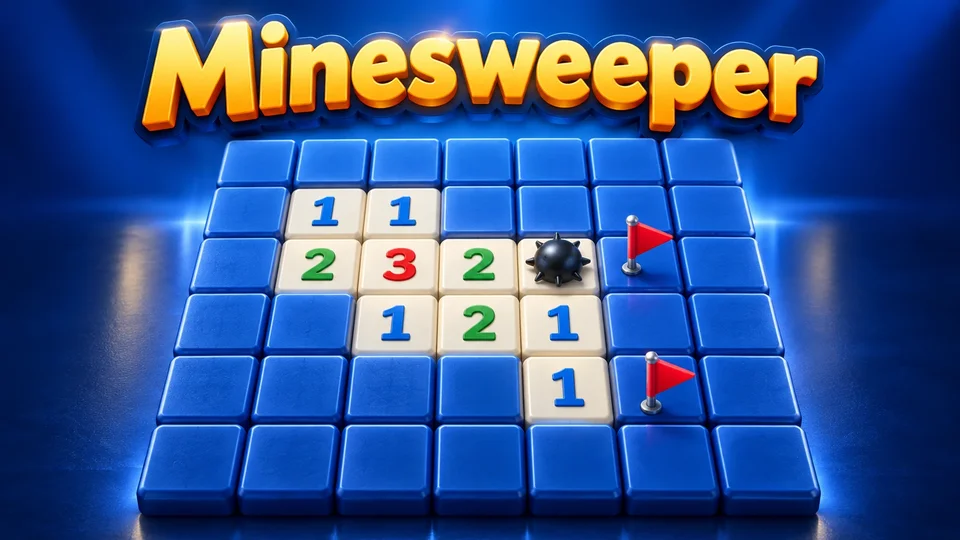
Play Minesweeper online free.
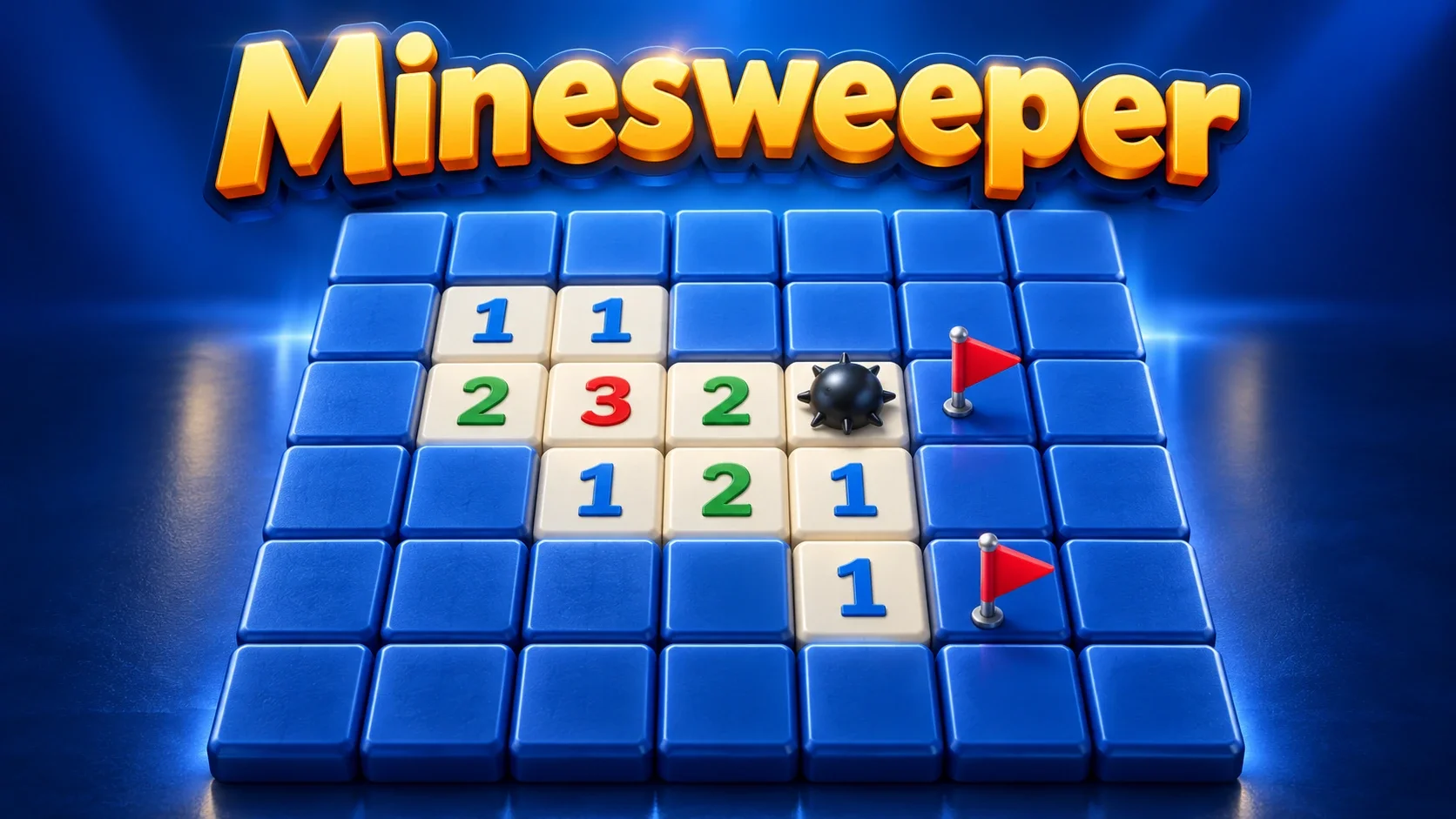
Play Minesweeper online free. Read neighbouring-mine clues, flag hazards and uncover every safe cell. Keep the original no-guess generation, native grid presets, Undo, Redo and portable saves.
Uncover every safe cell; each number counts touching mines. Click or tap to open. Right-click or Ctrl-click to flag; on touchscreens enable Flag mode to mark, then switch it off to open. Clicking an opened clue with exactly the required surrounding flags opens the remaining neighbours; incorrectly placed flags can cause a mine hit.
The default is a 9×9 square board with 10 mines and Ensure solubility enabled. The first opened cell starts safe native generation. The same parameters, seed and first-open cell reproduce the board; a different first cell can produce another layout. Type includes native square difficulties, wrapping grids and other tilings; Custom adjusts them.
On square grids, arrow keys move the cursor, Enter opens/chords and Space marks. Game → Preferences offers one-key shortcuts, flag highlighting and optional question marks.
A mine hit stops the board, but the original Undo can take it back while retaining the death counter. Redo reapplies a move; Restart resets this puzzle and New generates another. Solve reveals the board after it has started and is treated as assisted, not a natural win.
Save keeps the complete native current-puzzle history, elapsed time and preferences in a scoped checkpoint. Guests save in this browser; supported signed-in FoolFish sessions can sync progress across devices. Original Download/Upload save file and ID/random-seed entry remain available. There is no remote multiplayer, purchase or ad gate.
Natural completion freezes the original elapsed timer. Undo or Restart after completion keeps that frozen time; New resets elapsed time. Solve is practice, without recording a normal win or loss, and its native clock may continue until natural completion.
Mouse
Touch
Keyboard
Minesweeper is a single-player logic puzzle about the cells you can safely uncover. Each opened number counts the mines that touch its cell. On a square board, that can include horizontal, vertical and diagonal neighbours. Marking a mine helps you organise deductions; the goal is opening every non-mine cell, rather than flagging for points.
The browser package uses Simon Tatham’s original Mines engine. It keeps the native generator, reveal behaviour, flags, grid presets and current-game history. The classic grey board and native colour-coded number clues come from the original web implementation.
Click or tap an unopened cell to reveal it. A zero opens a connected safe area automatically; a numbered cell gives you a clue about its neighbours. Right-click or Ctrl-click to mark a suspected mine. On mobile, enable Flag mode to mark cells and turn it off before uncovering another cell.
When a revealed number has exactly that many surrounding flags, clicking it opens the other neighbours. This action is often called chording. The game checks the number of flags, not whether your assumptions are correct: a misplaced flag can leave an unflagged mine to be opened.
Ensure solubility is enabled on the default generated board. The original engine searches for a board whose safe moves can be deduced, rather than requiring a final guess between equally plausible cells. Custom settings can disable that guarantee; the resulting random board may involve uncertainty.
A fresh generated puzzle chooses the mine layout when you first open a cell. That initial position is protected by the native generation process. A seed alone does not fully identify an unopened board: use the same parameters and first-open cell to repeat its layout, or use its game ID after generation. Entered game IDs carry their own initial state.
The default square board has 9 rows, 9 columns and 10 mines. Type also provides denser square presets and larger fields, including 16×16 with 40 mines and 30×16 with 99 mines. New starts another puzzle with the current configuration; Type → Custom lets you adjust dimensions, mine count or percentage, and generation options.
Native alternatives include wrapping square grids, honeycombs, triangular grids and other tilings. On those boards, touching neighbours follow the actual cell geometry, so the familiar eight-neighbour square rule is not universal. Wrapping types join opposite edges. Read the original manual linked in the game when trying a new grid.
Start with local deductions. If a number already touches the required count of correctly marked mines, its other neighbours are safe. If all of its remaining covered neighbours must be mines to satisfy the clue, those cells can be flagged. Then compare neighbouring clues to narrow down shared possibilities.
Question marks are optional in Preferences and do not certify that a cell is safe. Flags also represent your own conclusions. Check uncertain marks before chording, especially near corners, wrapping edges or a new tiling. For another grid puzzle, try Classic Sudoku; for a broader set, explore puzzle games.
A mine hit displays DEAD and ends that current attempt, but this implementation lets you Undo the mistake and carry on. Its death counter remembers the error even when the move is reversed. Redo restores a reversed action. Restart returns to the current puzzle’s starting position; New generates a different puzzle.
Solve is an original practice aid that reveals the board after you have started. After a mine hit it shows mines and corrections; while still alive it exposes the safe cells and marks the mines. Assisted reveals are not recorded as natural wins. Undo can return from Solve to the earlier board.
A natural completion freezes the original elapsed timer for that puzzle. Undo or Restart after completing it retains the frozen time; New starts another puzzle with elapsed time reset. Solve is practice and does not necessarily mark native completion, so the original board timer can continue even though platform active-play timing is paused.
Save retains the native board, complete current-puzzle Undo/Redo history, elapsed time, death count and preferences. Guest progress stays in this browser. A supported signed-in FoolFish session can sync a scoped checkpoint across devices; if two devices save different progress, choose which complete checkpoint to keep. Damaged or incompatible saves are preserved for attention instead of silently reset.
Game → Download save file exports the original portable Mines save, and Upload save file imports it through the native validator. Game also accepts an ID or random seed. The links below the board provide its game ID and seed; they identify puzzles rather than creating a multiplayer room. The standard and Fish versions keep separate platform checkpoints.
Play Fish Minesweeper for an ocean-themed presentation with fish markers and optional sea sounds using the same Mines rules. Both are single-player games with the original number clues and native presets. There are no online rooms or same-screen competitive modes.
For a different type of board, try Sliding Puzzle or browse free puzzle games. Choose a game whose rules suit your next session: arranging tiles, filling a number grid and uncovering a minefield ask for different kinds of deductions.
Minesweeper on FoolFish Games begins with First steps: a 5×5 board containing one mine. Open squares and use their numbers to find the safe ones. After a successful round, Next round opens an easy 6×6 board with four mines, followed by the classic 9×9 challenge with ten.
A revealed number counts mines in the neighboring squares, including diagonals. Compare clues that share covered squares instead of reading each number in isolation. Use Flag mode when you have identified a mine; the goal is to open every safe square, not simply to cover the board in flags.
The small opening boards make this Minesweeper browser game a clear place to practice before the larger challenge. For another logic puzzle with row and column clues, try Fish Nonogram, or explore more Chromebook games without a game download.
Uncover every safe cell. Flags are useful markers; you do not win simply by placing them. The original game automatically marks the remaining mines when all safe cells are open.
On a fresh generated board, the first opened cell triggers protected native generation. The default Ensure solubility setting builds a board intended to be deducible without guessing. Disabling it in Custom changes that guarantee; entered IDs carry the state encoded in their description.
Enable Flag mode to make a tap use the original mark action. Turn it off to open cells. Desktop players can also right-click or Ctrl-click; square-grid keyboard players can use Space.
A mine hit displays DEAD, but Undo can reverse it and the death counter remembers the mistake. Solve reveals the board as a practice aid and is treated as assisted, not a natural win. Restart keeps this puzzle; New generates another. Solve is practice and does not record a normal win or loss. After natural completion, Undo/Restart keep the frozen original elapsed timer; New resets it. The native timer can continue after Solve if the puzzle was not naturally completed.
Save keeps native puzzle history and preferences in this browser, with account syncing in supported signed-in FoolFish sessions. Native save-file download/upload and ID/seed links can transfer a puzzle. There is no remote multiplayer.