2048
 FOOLFISHGAMES
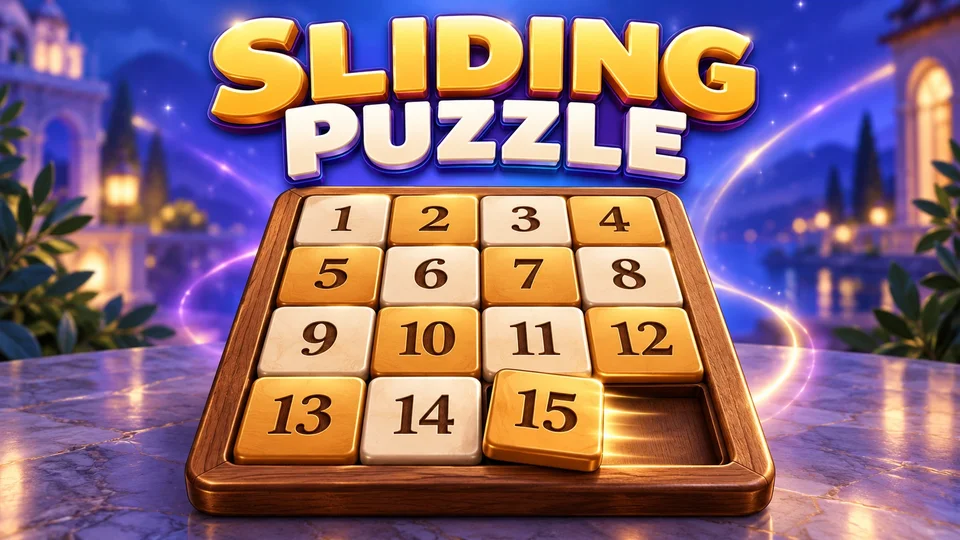
Play Sliding Puzzle online free.
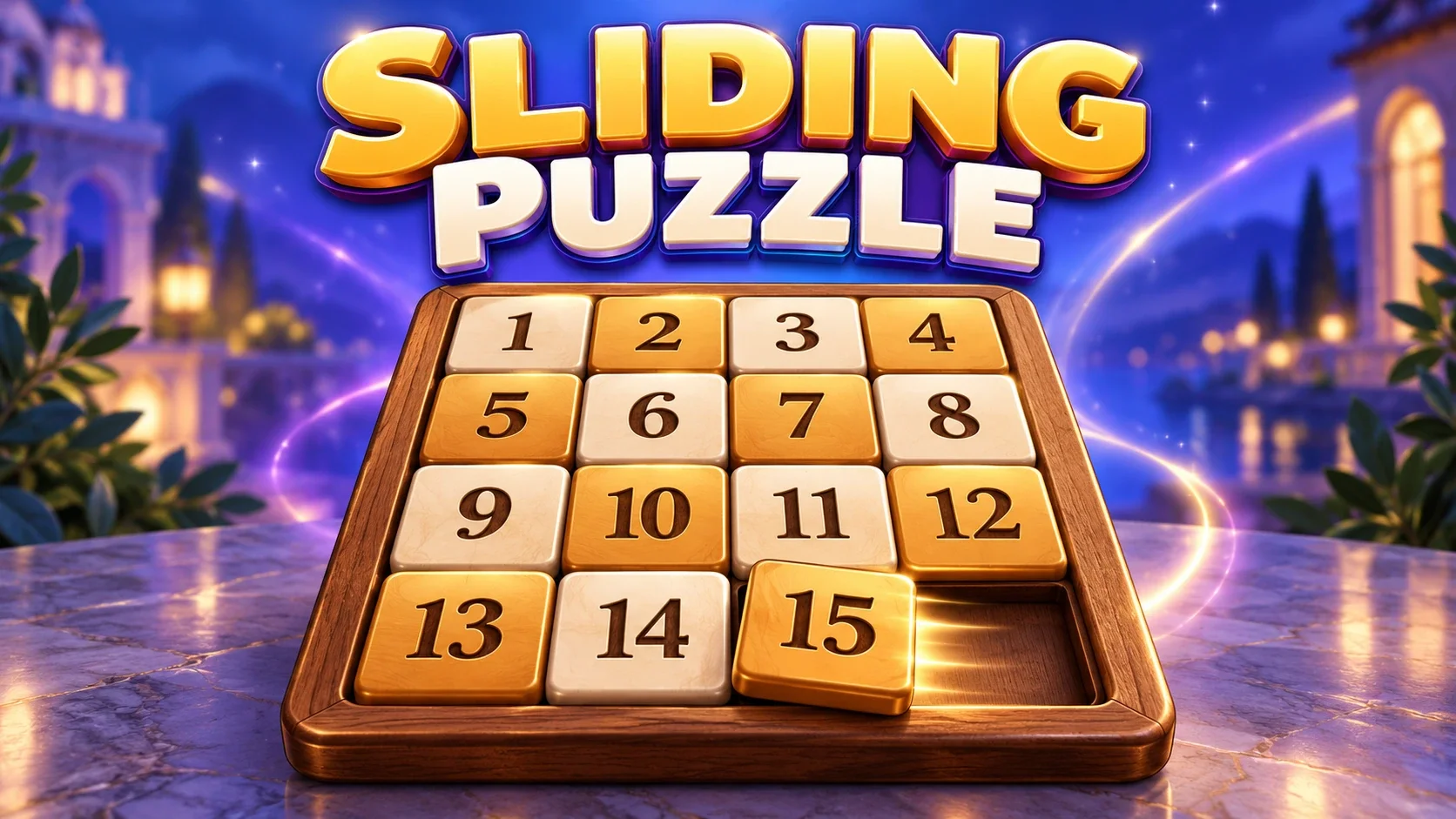
Play Sliding Puzzle online free. Slide numbered tiles into order on a solvable 3x3 or 4x4 board, with native hints, undo, redo and saved puzzle progress.
Slide the numbered tiles into ascending row order, leaving the blank in the bottom-right corner. Click or tap a tile in the same row or column as the blank to slide the intervening line; other clicks do not move tiles. The move counter counts each tile shift.
Arrow keys move an adjacent tile in the pressed direction by default, so the blank moves the opposite way. Game → Preferences can change arrows to move the blank instead. Press H for an original suggested move.
The default board is 4x4. Type → Custom lets you set width and height; choose 3 and 3 for an 8-puzzle. New generates a fresh solvable board; Restart resets the current deal. Undo and Redo preserve the current board’s native move history.
Solve directly replaces the board with ordered tiles and marks it auto-solved; it is a practice reset, not a step-by-step answer. Undo returns to the previous puzzle.
Game contains ID and random-seed entry, a portable native save-file download and upload, and keyboard preferences. Matching seeds and dimensions generate the same board.
Save uses the platform checkpoint for the board, native current-game undo/redo history and preferences. Guest checkpoints stay in this browser; supported signed-in FoolFish sessions can sync them. Native portable file export remains available. This is an untimed single-player puzzle with no remote multiplayer.
Mouse
Touch
Keyboard
Play Sliding Puzzle online free. Slide numbered tiles into order on a solvable 3x3 or 4x4 board, with native hints, undo, redo and saved puzzle progress.
This is the classic numbered sliding tile puzzle: arrange fifteen tiles around a single gap, or choose a smaller eight-tile board. Play at your own pace, without a countdown or an online opponent.
Arrange tiles in increasing order from the top-left corner. On a 4x4 board, the final row is 13, 14, 15 and the blank. On a 3x3 board, the final row is 7, 8 and the blank.
A click or tap anywhere in the blank’s row or column moves the intervening tiles toward the gap. A click outside that row and column is ignored. The counter adds one move for each tile shifted, so sliding a line of three tiles counts as three moves.
The default is the familiar 4x4 15-puzzle. Open Type, choose Custom and set both Width and Height to 3 for an 8-puzzle, or use different dimensions for a rectangular board.
Every New deal is generated as a solvable puzzle, with at least one tile out of place. Custom dimensions can range from 2 to 32 in each direction. Start with a 3x3 board to learn how the gap travels, then try the larger 4x4 challenge.
Press H with the board focused to perform one suggested move. Repeated hints can restore numerical order, although a hint may temporarily move an already-correct tile. Hints do not guarantee the shortest possible solution.
Solve directly fills the grid in the correct order and marks it auto-solved. This gives a clean board for practicing tile cycles; it does not demonstrate every required move. Undo returns to the puzzle before Solve.
Undo reverses a recorded move or line slide, while Redo reapplies it. Restart returns to the starting arrangement of the current deal. New generates a different deal with the selected dimensions.
There is no timer, lives system or paid hint currency. Try to position the top row and left column before tackling the remaining rectangle, and keep the blank where it can move the next piece.
Use the mouse or a touch tap on an aligned tile. With the default keyboard preference, an arrow moves the adjacent tile in that direction and the gap in the opposite direction. Game → Preferences can reverse the arrow semantics to move the gap.
The menu exposes New, Restart, Undo, Redo and Solve. Dialogs let you configure dimensions, puzzle IDs, seeds and preferences. Drag the resize handle to adjust board size; on a short screen, scroll to reach the instructions and save controls.
Game → Enter game ID recreates a specified tile arrangement. Enter random seed creates a board from a seed and dimensions. Players using the same parameters and seed with this engine version receive the same deal; different seeds can produce different puzzles.
The native Download save file option exports a portable text file, and Upload save file reloads the native puzzle/history. Game ID and seed permalinks belong to the bundled puzzle. Downloaded files provide a separate way to keep a puzzle without an account.
Save keeps the current native board, its current-game undo/redo history and control preferences. A supported signed-in FoolFish session can sync an account checkpoint; guest progress stays in the same browser. A conflict asks which device’s progress to keep.
A checkpoint keeps the move history within the current puzzle; it does not preserve the previous-board Undo buffer created by New. Very long histories can exceed account checkpoint capacity. Use Download save file to keep a separate portable copy before starting a long experiment.
Try Fish Sliding Puzzle for the same numbered tile rules with a different presentation. Explore more free puzzle games, combine matching values in 2048, or use row and column clues in Nonograms.
Sliding Puzzle starts with a 3×3 numbered board that is almost finished. Move tile 8 into the empty square to complete the lesson. Next round gives you an easy arrangement, followed by a harder 3×3 challenge, so you can learn the movement before planning a longer sequence.
Click a tile in the same row or column as the empty square to slide the intervening line toward the gap. A move that takes one number away from its final place can still help you bring another tile around. Work toward the ordered rows and leave the empty square at the bottom right when the puzzle is complete.
This 8-puzzle browser game on FoolFish Games needs no separate game installation. If you prefer sliding the whole board to combine values, try Fish 2048, or explore more number puzzles for Chromebook.
Place numbered tiles in ascending row order and put the blank in the bottom-right corner. Move aligned tiles through the blank; use Undo to revisit a decision or H for an original suggested move.
Yes. The default is 4x4, with 15 numbered tiles. Type → Custom with Width 3 and Height 3 creates a 3x3 board with eight numbered tiles.
Yes. New generates a shuffled board that can be solved and avoids starting with an already-completed grid. Manually entered game IDs are separate player-specified arrangements; they are not a guarantee of solvability.
No. The original Solve command immediately replaces the grid with ordered tiles and marks it auto-solved. H performs one original suggested move; the hint procedure does not guarantee a shortest path.
The platform checkpoint preserves the current board, native current-game history and preferences. Guest saves stay in this browser; supported signed-in account sessions can sync across devices. The native save-file download also remains available.