2048
 FOOLFISHGAMES
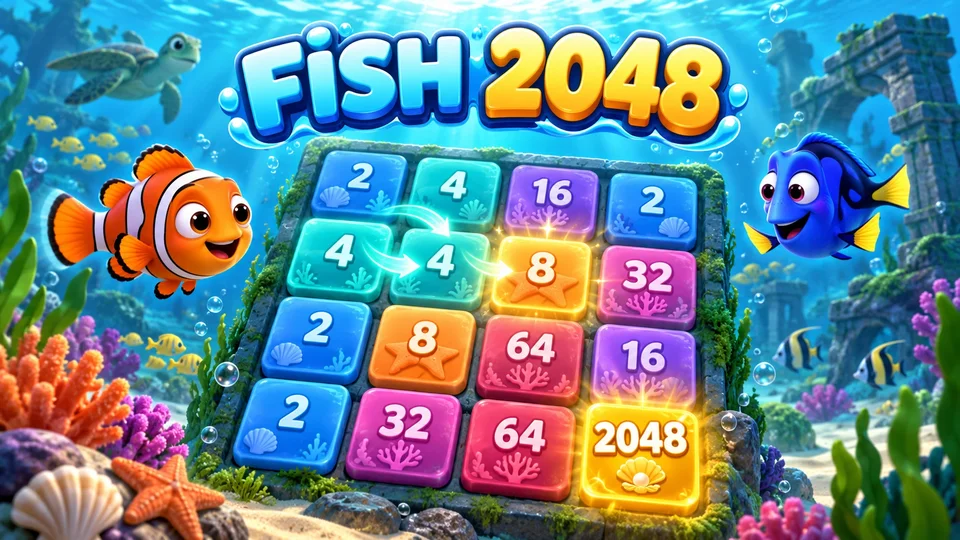
Play Fish 2048 online free.
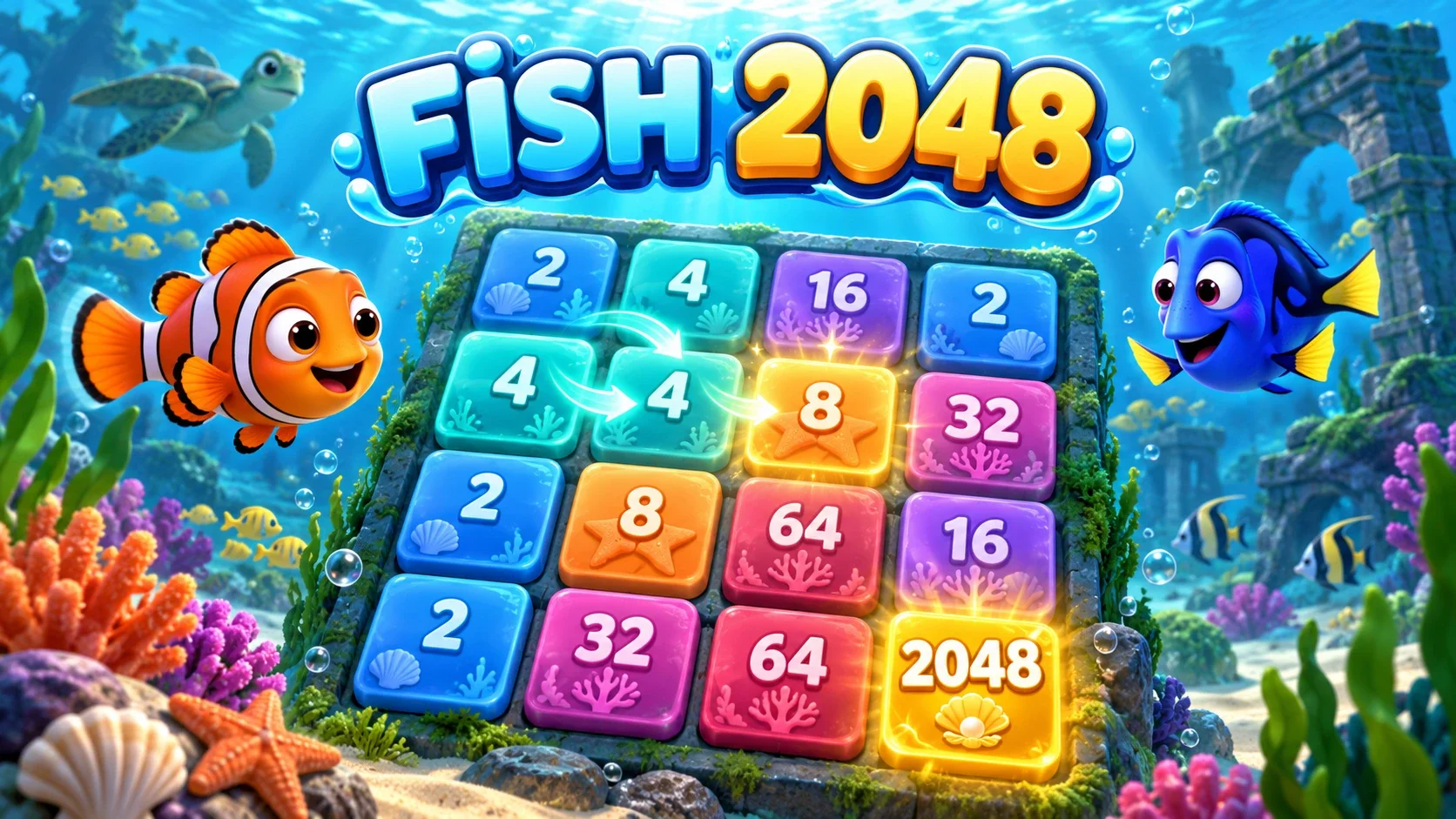
Play Fish 2048 online free. Slide and merge numbered ocean tiles on a 4×4 board, use one-step Undo and continue beyond 2048.
Move every tile with arrow keys, WASD, the direction buttons or a swipe on the board. Two matching values merge once per move and add the resulting number to your score. A successful move creates one new 2 or 4 tile.
Reach 2048 to win; press Keep going to continue toward larger tiles. When no empty square or adjacent matching pair remains, the round ends. Undo or Z restores exactly the previous board and newly spawned tile once, while keeping your personal best.
New game opens a confirmation and replaces the round while keeping the best score. Open How to play for rules, toggle sound/music separately and resume browser or signed-in FoolFish account checkpoints. Device conflicts require choosing this device or the cloud save.
Keyboard
Mouse
Touch
Fish 2048 puts the complete 4×4 sliding number puzzle in a reef setting. Ocean colors, fish silhouettes and coral replace the presentation while the tiles keep clear numeric values. Your target is still to combine equal numbers into a 2048 tile.
The ocean theme does not introduce a different matching rule, extra board squares or a timer. It shares the existing 2048 engine, score calculations, one-step Undo and controls. You can focus on the same number puzzle with a different view.
Move all tiles left, right, up or down. Equal values join once per move, so 2 plus 2 becomes 4 and 4 plus 4 becomes 8. The value created by a merge adds to the score. Four 2 tiles merge into two 4 tiles in one move.
Fish decorations sit behind the number values; they are visual artwork rather than a second set of symbols to match. Each successful move creates one new 2 or 4. A move that cannot change the board creates nothing.
Use arrow keys or WASD on desktop, swipe the board on touch devices or press the four direction buttons. Tiles use the same positions and move animations as the standard edition. Brief taps and cancelled pointers do not slide a tile.
Undo or Z reverses one move, including its new tile and the internal random state. It does not erase your personal best. Use How to play for the rules, and set music and sound effects independently in the header controls.
A useful approach is to hold your largest tile near a corner while arranging smaller values beside it. Leave space to combine the new 2 and 4 tiles, and consider which direction will preserve a workable board after the next spawn.
The fish theme supplies no bonus points or extra powers. A visually impressive tile follows the same numeric progression. If you enjoy deliberate matching and board planning, browse more puzzle games when you want another challenge.
The win panel appears when the board first makes a 2048 tile. Keep going resumes that same board and score so you can chase 4096 and higher values. The next move still follows the original merge and spawn rules.
A full board is not automatically a loss: equal neighboring values can still merge. The round ends only when no legal move remains. Undo is available when the previous move exists, and New game asks before replacing your current round.
Fish 2048 has its own game identifier, sound preferences and checkpoints. It does not copy an existing standard 2048 board into the ocean edition. Guest progress in this browser stays separate from a signed-in account’s saved board.
Sign in on FoolFish before opening for account checkpoints. If devices disagree, choose the device board or cloud board instead of merging scores or tiles. The saved state includes the complete grid, random state and one-step Undo so returning does not silently roll a new tile.
Try a teaching position with 64, 32, 16 and 8 across the top row, then 4, 4, 2 and an empty square in the second row; leave the bottom two rows empty. A left move keeps the 64 in the top-left corner and merges the second row to 8, 2, empty, empty. That merge adds 8 points. One new 2 or 4 then appears in an empty cell.
The useful part is the next position, not just those eight points. The descending top edge stays intact and the small tiles still have room to move. Moving down in this particular position would pull the 64 out of its corner. This is an example to inspect, not a rule that one direction is always bad. The 2048 guide with the Fish edition example explains the board and the limits of a corner strategy.
The teaching diagram stops before the new tile appears. In a real round, inspect its value and location before repeating the same direction. A move that changes no tile creates no new tile and adds no move; it is not a way to farm easier spawns.
Fish 2048 retains the standard equal-number merge rules; its ocean presentation does not add special fish powers. The standard full-round target is 2048. If your game opens with introductory Quick Play rounds, follow the smaller goal displayed on the board first. You can compare the layouts in 2048, while keeping each edition’s saved board separate. Use Undo when it is available during a playable round; completing an introductory Quick Play goal pauses board input until you move on.
Fish 2048 on FoolFish Games introduces the number puzzle with two 2 tiles already on the board. Slide them together to make 4, then continue to a simple goal of 32. The next challenge asks for 128 before you take on the familiar 2048 target. Each stage gives you a clear next step without a difficulty menu at the start.
Matching values combine when they meet during a slide, but every successful move also adds a new tile. Keep empty spaces available and look along the whole row before moving. On a keyboard, use the arrow keys or WASD; the direction buttons offer another way to make the same moves.
This browser number game opens without a separate game installation. For another small puzzle to play on a Chromebook, try Sliding Puzzle, or explore the Chromebook games collection for more quick starts.
Move all tiles with arrows, WASD, swipes or direction buttons. Equal values merge once per move; build a 2048 tile to win.
Yes. Undo or Z restores the immediately previous board and newly created tile once, while retaining your personal best.
Choose Keep going to continue the same board and score. The round ends when no legal move remains.
Yes. Browser checkpoints preserve the grid, random state and Undo. Sign in before opening for account cloud saves; device conflicts require an explicit choice.
No. It helps organize moves and protect a descending edge, but new tile positions can still make the board awkward. Check a fallback move instead of following the same two directions blindly.
No. The current game spawns a new 2 or 4 only after a move changes the board. An unchanged move does not add a move or generate a new tile.