
AI Game Tools.
A little curiosity.
A great next game.
Connect your AI assistant to FoolFish. Find a browser game, learn the rules and follow a real source back to play.
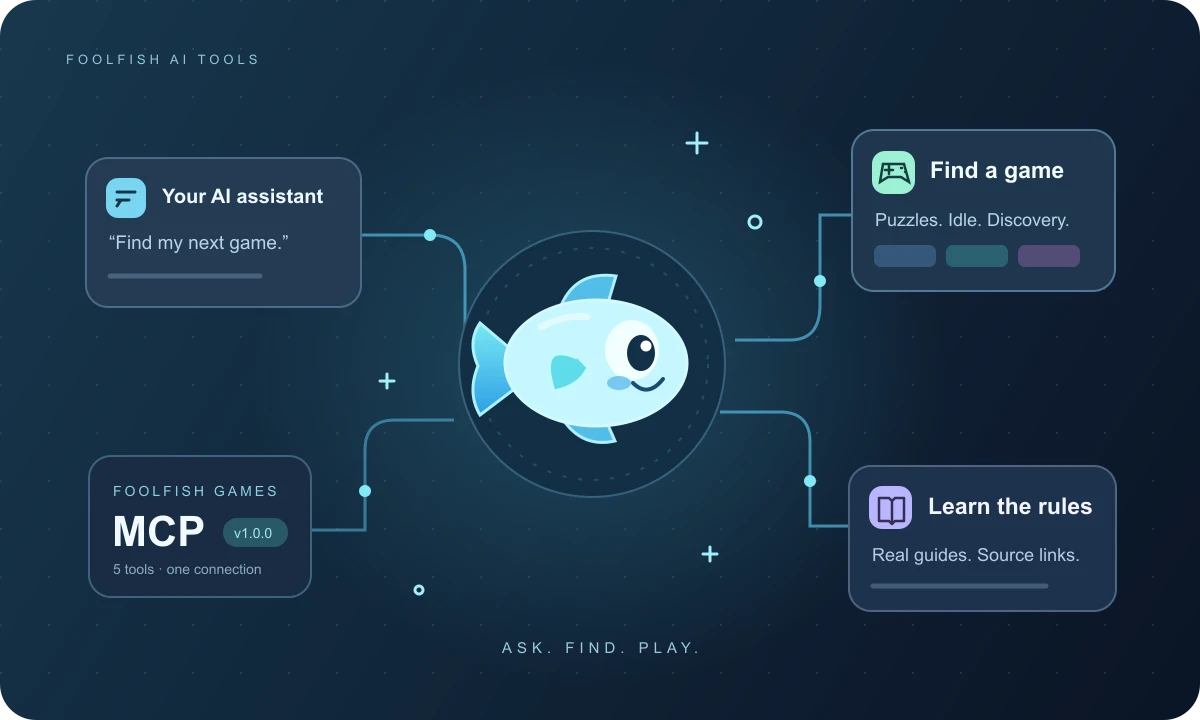
Available now
FoolFish Games MCP
Find your next browser game through your AI assistant. Search the catalog, compare controls and read official playing guides.
From “what should I play?” to playing.
- 01
Ask for a good fit
“Find a puzzle game with touch controls.” Give your assistant the kind of game and device you have in mind.
- 02
Know the next move
Ask for the controls, a rule explanation or a beginner’s guide. Check the linked game page for the full details.
- 03
Open it and play
Follow the returned link to FoolFish Games. Your assistant helps you choose; the game runs in your browser.
A game finder with sources.
FoolFish AI Tools is our collection of AI connections for discovering games and understanding how they work. The first release is FoolFish Games MCP, a free remote MCP server that connects compatible assistants to our published game catalog and guides.
Use it to explore puzzle games, ask about Fish Playground Idle, or find instructions for SizeItUp. AI game recommendations are grounded in the listed mechanics and device support. They do not use your private account or play history.
Start with the available tool above. Future FoolFish tools will join this collection when they are ready to use.
Good to know
Are these AI game generators?
The current tool finds published browser games and reads their guides. It does not generate game code, artwork or new games.
Do I need to register as a developer?
No. FoolFish Games MCP is a public, read-only service. You do not need a FoolFish account or API key. Connecting it gives no access to the private publishing workspace.
Is the AI assistant free too?
FoolFish does not charge for this MCP connection. Your chosen assistant may have its own subscription, connection availability or usage limits.