Backgammon
 FOOLFISHGAMES

Play Chess online for free against the computer or challenge a friend on the same screen.

Play Chess online for free against the computer or challenge a friend on the same screen. This browser chess game uses the standard 8×8 board and all six familiar pieces, with 21 computer difficulty settings, optional clocks, legal-move highlights and tools for reviewing your decisions. Start an untimed game to learn, or choose a time limit for a faster match.
Choose Play computer for a solo game, or Play a friend to take turns on the same device. Select a difficulty from 1 to 21, your color and an optional time control. White moves first.
Click or tap a piece and then its destination, or drag it to a legal square. Arrow keys move keyboard focus; Enter or Space selects a square. Turn legal-move highlights on or off in Settings.
Protect your king and checkmate the opposing king. A checked king must escape the attack; capturing the king is not a legal move.
Castle by moving the king two squares toward a rook when the path and king-safety rules allow it. Capture en passant immediately after the adjacent pawn moves two squares. Choose a queen, rook, bishop or knight when promoting a pawn.
Use Hint for a suggested move. Undo takes back a pair of moves against the computer, or one move in same-device play. Use the move list to review a position, then return to Current position to continue.
Clocks start after the first move and pause in menus, during move review and while the tab is hidden. Repetition, the fifty-move rule, stalemate and insufficient material automatically end the game as a draw.
Use Save PGN to copy the game, New game to start over, or Continue game after returning. Guest saves stay in this browser. Sign in on FoolFish before opening the game to use account checkpoints; resolve different device saves through Save options.
Mouse
Touch
Keyboard
Choose White to make the first move, Black to respond, or Random to vary your opening practice. The computer runs locally in your browser using Stockfish. Lower levels make more mistakes; the settings are difficulty levels rather than rated Elo opponents. Hint offers a suggested move and Undo lets you reconsider your previous turn. You can play without creating an account.
Select Play a friend for local multiplayer chess. Both players use the same phone, tablet or computer and take turns moving their pieces. The optional automatic board flip turns the view after each move. This mode is for sharing one device; it does not connect two remote players. Players can resign or agree to a draw.
Rooks travel along ranks and files, bishops move diagonally and queens combine both moves. A king moves one square while staying out of check. Knights jump in an L shape. Pawns move forward, capture diagonally and can move two squares on their first move. A pawn that reaches the opposite end promotes to a queen, rook, bishop or knight. Castling and en passant follow their standard conditions.
The objective is to attack the enemy king with no legal escape. Stalemate is a draw, not a win. This game also automatically recognizes insufficient material, threefold repetition and the fifty-move rule. For casual play, clocks begin after the opening move and pause in menus, during move review and when the game tab is hidden.
Develop your knights and bishops, compete for the center and look for a safe way to castle. Before taking a piece, check whether it is defended and what the opponent threatens next. The move list lets you revisit earlier positions without changing the live game. Save PGN copies your moves as a standard chess record for later study.
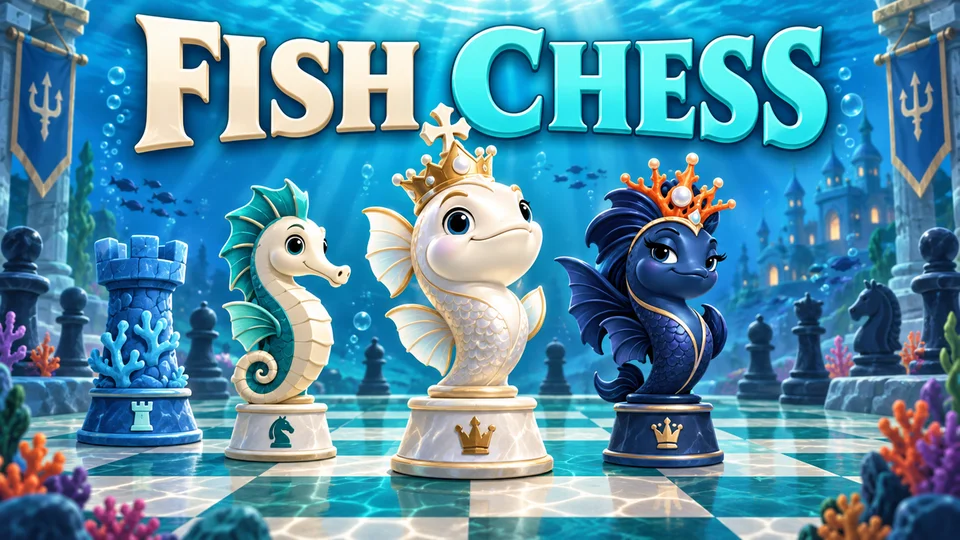
Use a mouse, touch controls or keyboard selection. Guest games save in the current browser. FoolFish account checkpoints are available through Save options when you sign in before opening the game. For the same rules with sea-creature pieces, try Fish Chess; explore more board and strategy games on FoolFish.
Yes. Choose Play computer and select one of 21 difficulty levels. They are skill settings, not Elo ratings.
Yes. Play a friend lets two people take turns on the same device. Remote online matchmaking is not part of this game.
Yes. Use Continue game when you return. Guests save in the same browser; signed-in FoolFish players can use account checkpoints through Save options.
Yes. All three special moves follow the standard chess conditions. The promotion menu allows a queen, rook, bishop or knight.