Backgammon
 FOOLFISHGAMES
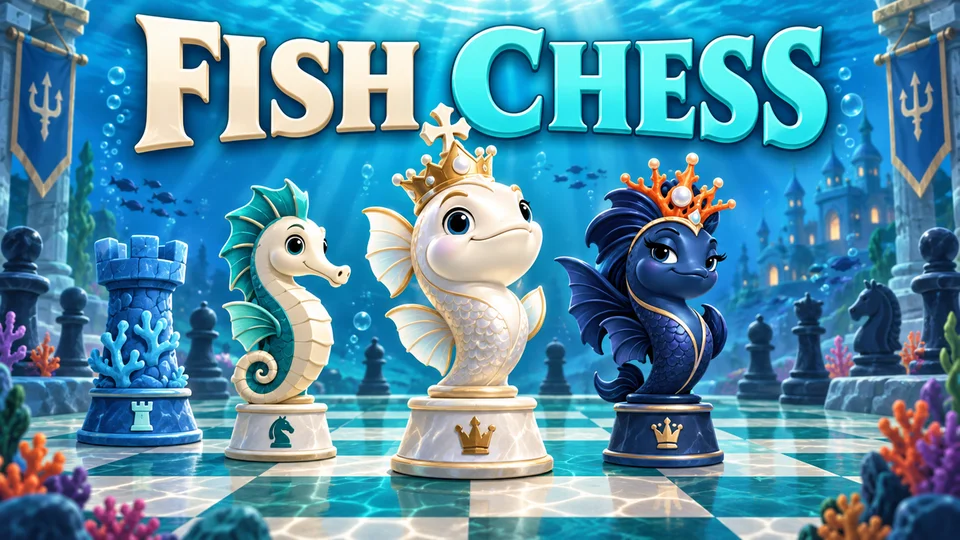
Fish Chess brings a chess match beneath the waves.
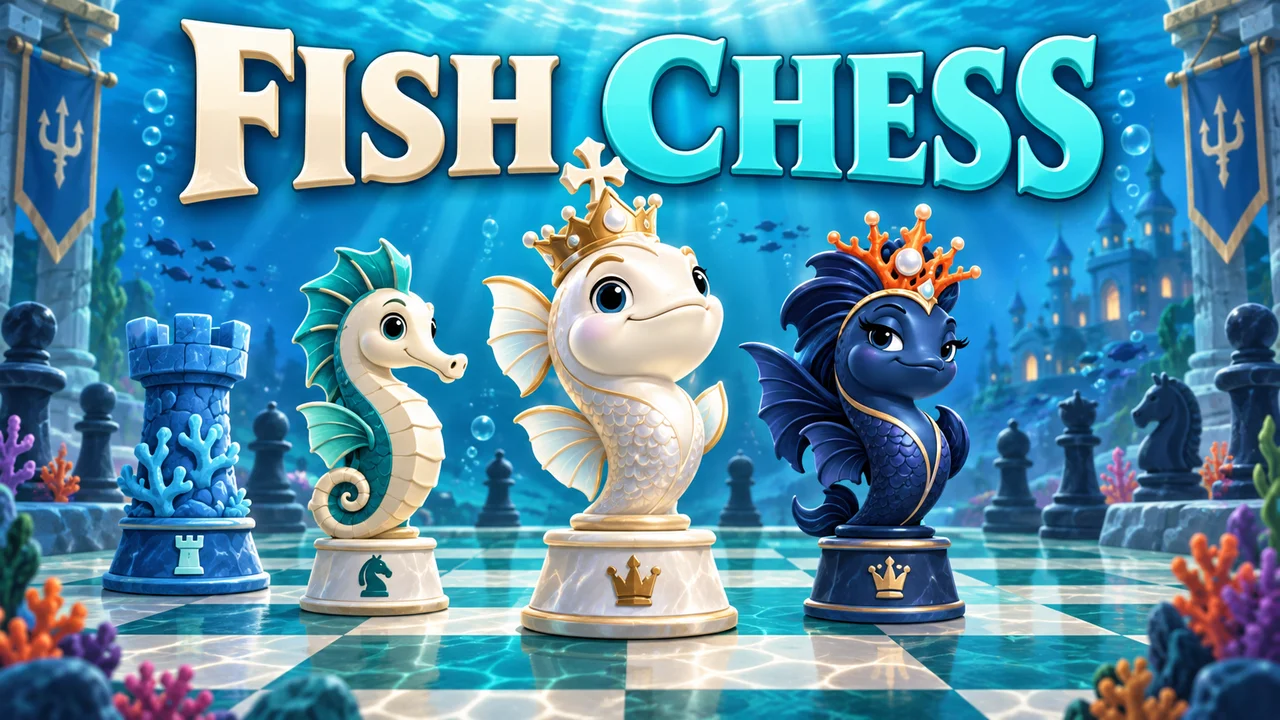
Fish Chess brings a chess match beneath the waves. Pearl-colored fish face a navy-blue ocean army on a sea-green board: crowned fish are the king and queen, seahorses are knights, coral towers are rooks and small fish serve as pawns. The underwater artwork changes the setting while preserving the standard chess rules, legal moves and winning objective.
Choose Play computer for a solo game, or Play a friend to take turns on the same device. Select a difficulty from 1 to 21, your color and an optional time control. White moves first.
Click or tap a piece and then its destination, or drag it to a legal square. Arrow keys move keyboard focus; Enter or Space selects a square. Turn legal-move highlights on or off in Settings.
Protect your king and checkmate the opposing king. A checked king must escape the attack; capturing the king is not a legal move.
Castle by moving the king two squares toward a rook when the path and king-safety rules allow it. Capture en passant immediately after the adjacent pawn moves two squares. Choose a queen, rook, bishop or knight when promoting a pawn.
Use Hint for a suggested move. Undo takes back a pair of moves against the computer, or one move in same-device play. Use the move list to review a position, then return to Current position to continue.
Clocks start after the first move and pause in menus, during move review and while the tab is hidden. Repetition, the fifty-move rule, stalemate and insufficient material automatically end the game as a draw.
Use Save PGN to copy the game, New game to start over, or Continue game after returning. Guest saves stay in this browser. Sign in on FoolFish before opening the game to use account checkpoints; resolve different device saves through Save options.
Mouse
Touch
Keyboard
Play on a familiar 8×8 board with 16 pieces per side. Bishops keep their diagonal movement, seahorse knights jump in an L and coral rooks travel in straight lines. Look for the cross on the king and the larger crown on the queen to tell the royal pieces apart. White is the pearl-colored side and moves first; Black is the navy-blue side. Tap a piece to see its name and legal destinations.
Play computer offers 21 difficulty settings powered by a browser-based chess engine. Choose either color, try an untimed practice game or add a clock and increment. Play a friend supports two players sharing one screen, with an optional board flip after every turn. This is same-device multiplayer, not an online matchmaking lobby.
Win by placing the opposing king in check when it cannot escape, block the attack or capture the attacking piece. Your own king cannot be left in check. All standard special moves are supported: castle with an unmoved king and rook when the route is safe, capture en passant at the next opportunity and choose a new piece when a pawn reaches the last rank. The promotion menu offers queen, rook, bishop and knight.
Use Hint when you want a suggested move and Undo when you want to try a different idea. Start by bringing your knights and bishops into play and protecting your king. Before sending a seahorse across the reef, check the squares it can land on and whether the enemy can capture it. Click a move in the history to study that position, then return to the live board. Save PGN copies the complete game in standard chess notation.
Stalemate, insufficient material, threefold repetition and the fifty-move rule are recognized as draws automatically. Two local players can also agree to a draw. These are casual games: optional clocks start after the first move and pause for menus, move review and hidden tabs. Guest progress stays in your browser; signed-in FoolFish players can use account checkpoints and choose which board to keep if saves conflict.
Fish Chess is a strategy board game rather than a tile-matching or daily random-number game. Try Fish Mahjong for matching layered tiles or Fish RNGdle for daily number patterns and badges. Prefer familiar black-and-white pieces? Open Chess for the same rules and practice tools with a classic wooden-board appearance. Both chess games are free to play in a browser without downloading an app.
Yes. Choose Play computer and select one of 21 difficulty levels. They are skill settings, not Elo ratings.
Yes. Play a friend lets two people take turns on the same device. Remote online matchmaking is not part of this game.
Yes. Use Continue game when you return. Guests save in the same browser; signed-in FoolFish players can use account checkpoints through Save options.
Fish Chess changes the pieces and board artwork but uses the same standard rules and computer engine as Chess.