Backgammon
 FOOLFISHGAMES
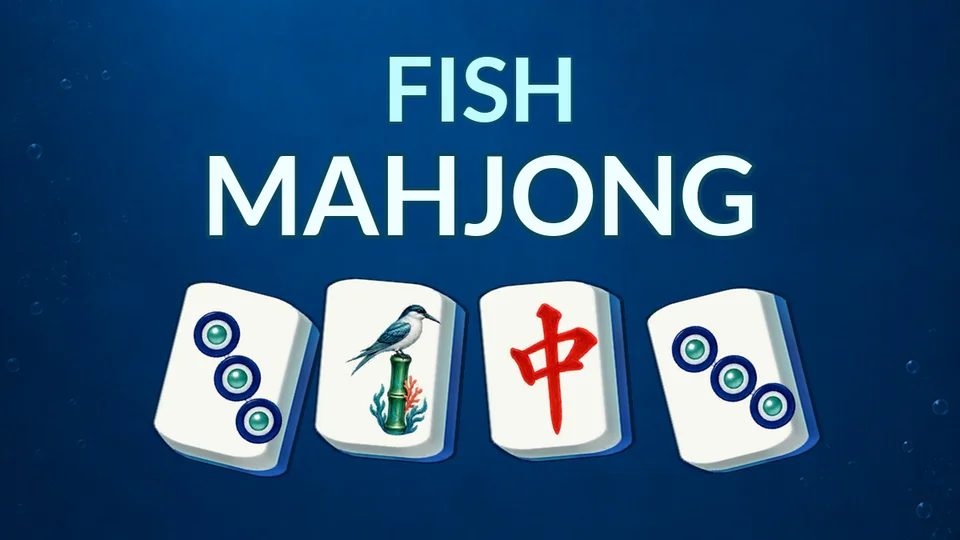
Fish Mahjong is a free online mahjong solitaire game with deep-sea backgrounds, ocean-inspired tile artwork and soft bubble sounds.
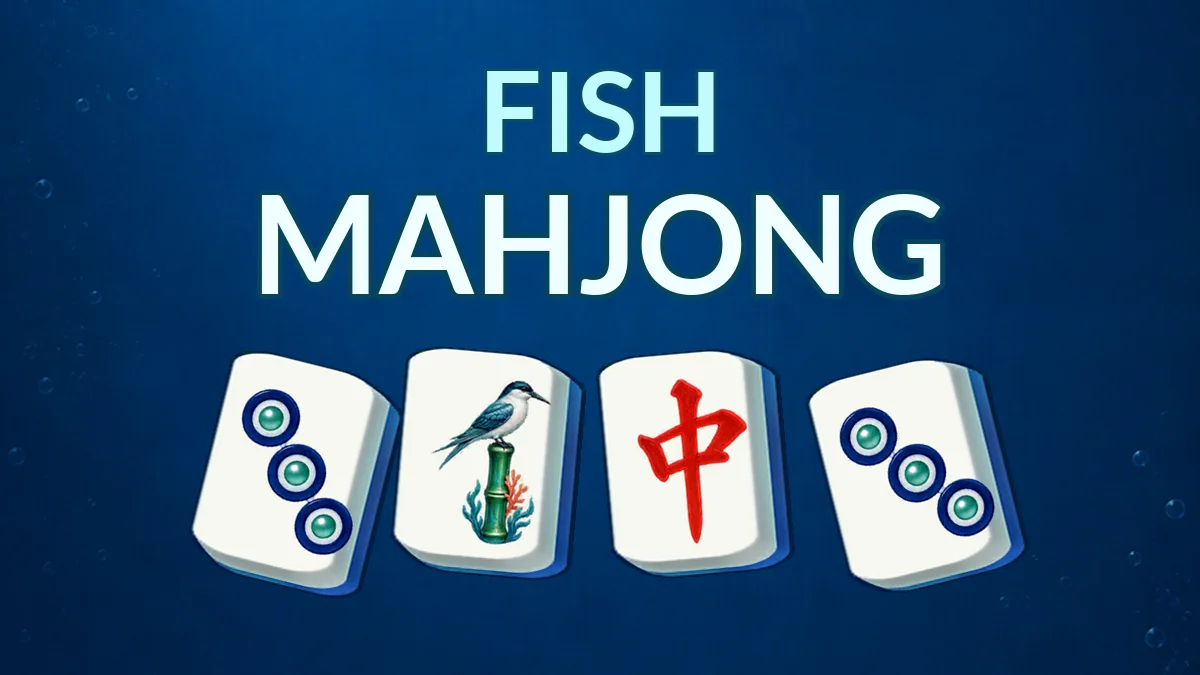
Fish Mahjong is a free online mahjong solitaire game with deep-sea backgrounds, ocean-inspired tile artwork and soft bubble sounds. Match identical available tiles, clear layered boards and look ahead before removing your next pair. The classic matching rules, board layouts, hints, shuffle, undo and daily challenge flow follow Mahjong Clearer. The sea theme changes the setting while keeping a traditional mahjong tile puzzle at its heart. Circle tiles become pearl patterns; bamboo, character and honor tiles remain distinct so you can recognize matching faces at a glance. Tiles must be uncovered and have an open left or right edge. Removing a pair can reveal the pieces underneath or free a blocked row. Play classic levels or open Daily Challenge from the home screen to explore calendar boards. Use Hint to spot a pair, Undo to reconsider your last match and Shuffle when you need a new arrangement; availability follows the mode and level. Keep a chain of matches going to build your score. Clear every tile to finish the board. Fish Mahjong works in your browser with mouse or touch controls. No download is required. Guest progress is saved in this browser; the FoolFish account system supports compatible cloud checkpoints. This is a single-player tile-matching game, rather than multiplayer draw-and-discard mahjong.
Start the game and follow the three short matching tutorials.
Click or tap two matching tiles. Each must be uncovered, with its left or right side open.
Remove outer and upper pairs to uncover deeper layers. A visible tile can still be blocked.
Use Hint, Undo or Shuffle when available; check the remaining count before using a tool.
Clear all tiles to finish a classic level. Return to the home screen for Daily Challenge and its calendar boards.
Open Settings for music, sound and rule explanations. Your board is saved when you return or refresh.
Mouse
Touch