2048
 FOOLFISHGAMES
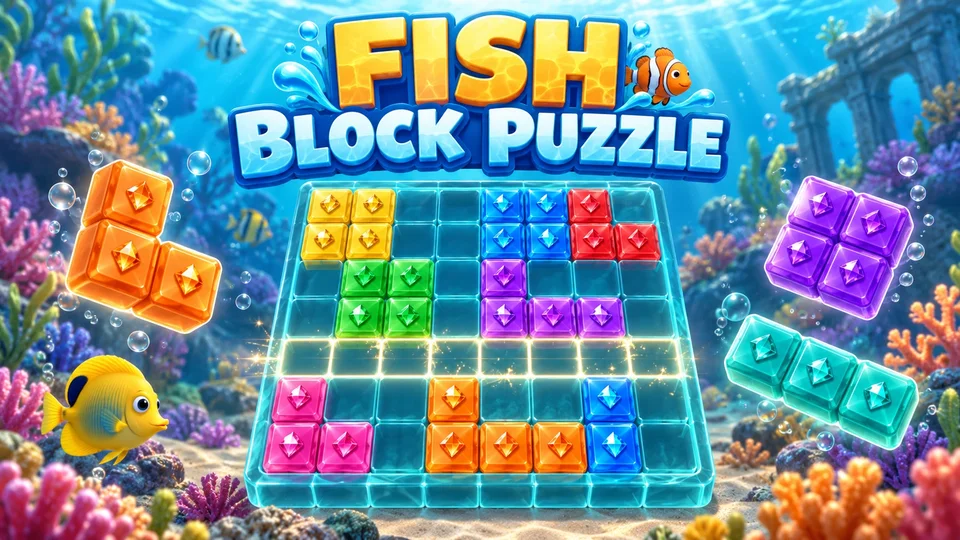
Play Fish Block Puzzle online free.
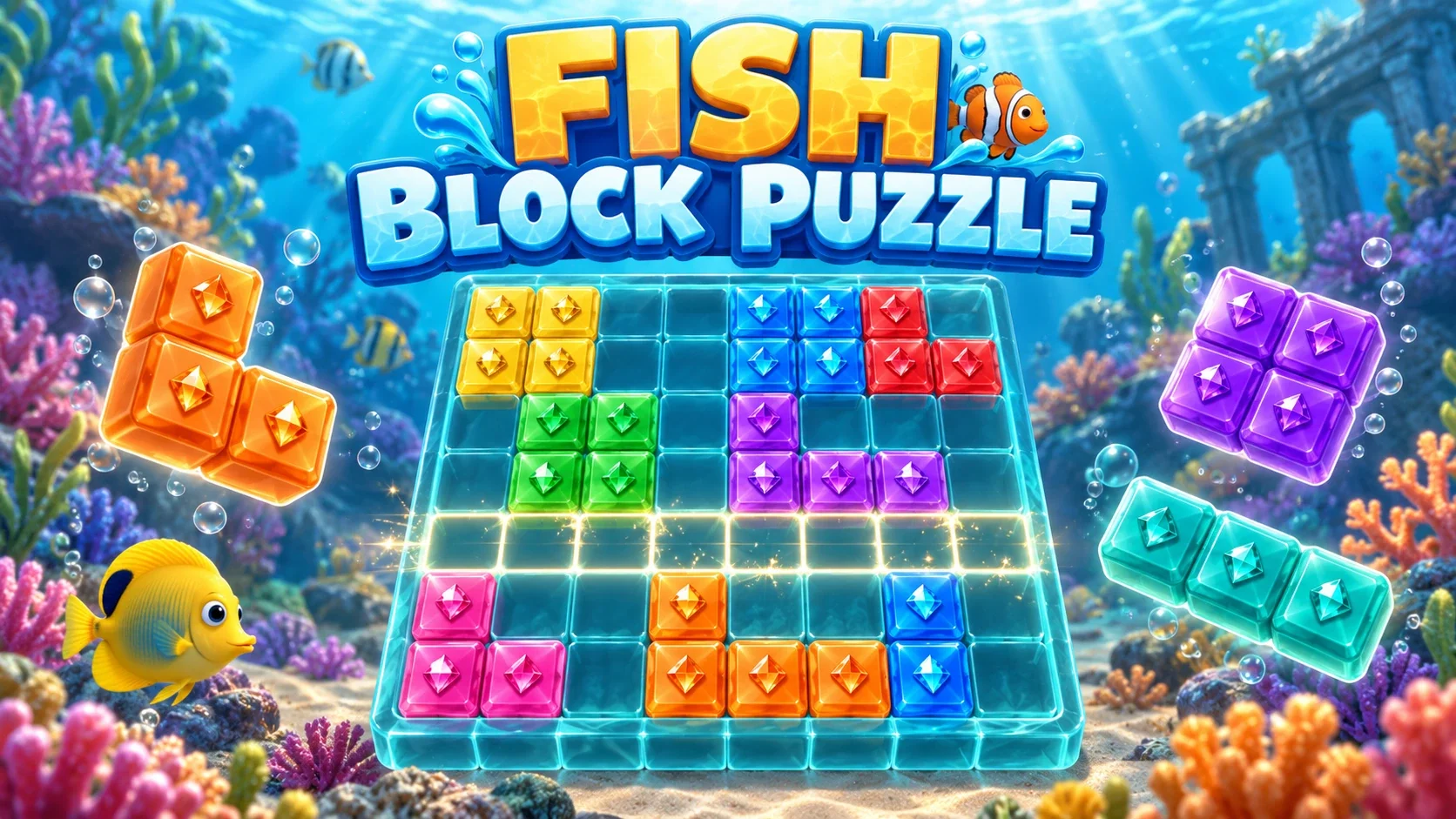
Play Fish Block Puzzle online free. Fit ocean blocks on an 8x8 grid, clear rows and columns, build combos and collect colored gems in 48 Adventure levels.
Choose Classic for an untimed high-score round, or Adventure for 48 sequential score-target and gem-collection levels.
Drag a tray piece into empty board squares. You can also tap a piece and then a board position. Use all three pieces to receive the next hand. Pieces cannot rotate.
A completely filled row or column clears. Crossing row/column squares count once. Score = placed squares + cleared squares × 10 × the current combo. A clear increases the combo; three placements without a clear reset it.
In Classic, the round ends when none of the remaining tray pieces fits. Play again starts a fresh board and keeps your best.
Adventure shows the target score or remaining colored gems. Clear rows/columns containing gems to collect them. Earn one to three stars and unlock the next level. Levels 1–3 include highlighted teaching placements.
An Adventure loss can offer one revive only when a rewarded-ad provider is available. A completed ad clears the central four rows or central four columns and keeps your score and collected gems. If ads are unavailable, Try again is free. Localhost has a clearly labeled test ad, not a commercial ad.
Keyboard: 1, 2 or 3 selects a tray piece, arrow keys move its board preview, Enter/Space places, Esc cancels the selection or opens Pause. Home keeps your in-progress Classic and Adventure runs. Sound effects and Music are independent settings.
Guest progress stays in this browser. Supported signed-in FoolFish sessions sync the Classic board, best score, Adventure stars and one active level. If two devices conflict, choose which progress to keep. Single player; no remote multiplayer.
Mouse
Touch
Keyboard
Play Fish Block Puzzle online free. Fit ocean blocks on an 8x8 grid, clear rows and columns, build combos and collect colored gems in 48 Adventure levels.
The ocean board uses seven block colors and small fish tile illustrations. Those pictures are decoration: a line clears when every square is occupied, even when its blocks have different colors.
Drag a shape from the tray to an empty part of the board, or select it with a tap and tap the desired position. Every square in the shape must fit. The available shapes include lines, small corners, 2x2 squares and 3x3 squares; you cannot rotate them.
A full row or column disappears together. If one move fills both a row and a column, their intersection is removed once. Use every piece in the current three-piece tray before a new hand arrives. Keep room for wide and tall shapes rather than filling gaps one at a time.
Each placed square earns one point. Cleared squares add ten points each, multiplied by the combo after that clear. A single-square placement that completes one row removes eight squares and scores 81 points at combo one.
Successive clears increase your combo. You can make up to two moves without clearing and keep it; the third move without a clear resets it. Clearing two lines at once rewards the cleared area but still increases the combo by one placement. Plan the entire tray and use the score display to see each move’s result.
Adventure opens on a level map. The first three levels teach a row clear, collecting red gems, and clearing columns with different gem colors. Later levels alternate between target scores and gem collections, with more colors and prepared board layouts.
Collect a gem by clearing the row or column containing it. New pieces can carry gems that help meet the current goal. The HUD shows the remaining count for each required color. Complete the level to earn stars and unlock the next; the maximum across all 48 levels is 144 stars. A replay can improve a previous result.
Inspect all three pieces before placing one. A move that creates a small isolated hole can block an otherwise useful square or long line later. Look for placements that complete a row or column and leave a broad connected empty area.
In a gem level, prioritize lines containing the colors still needed. Clearing a line with an already-completed gem color can create space but will not advance another color’s target. In Classic, the end comes only when none of your remaining pieces fits; having one awkward piece does not end the round while another can be played.
Home keeps a separate Classic round and one active Adventure level. Choose Classic to continue the board, or open Adventure and Continue Level to return to the current goal. Pause stops input; Sound effects and ambient Music have independent switches.
Guest progress is kept in this browser. Supported signed-in FoolFish sessions can carry the checkpoint across devices. If another device changes it first, choose Keep this device or Use cloud progress. An invalid save is preserved and blocks replacement. Play again resets a finished Classic round; Restart level resets the current Adventure attempt.
Try again restarts a failed Adventure level for free. When a rewarded-ad provider is available, an attempt may offer one revive. The reward clears the central four rows or central four columns while keeping the score and already collected gems; it does not complete the goal for you.
There is no commercial ad provider embedded in this package. A production game with no provider shows retries, and local development explicitly labels its test advertisement. A revived win awards one star. Classic has no revive or Undo button.
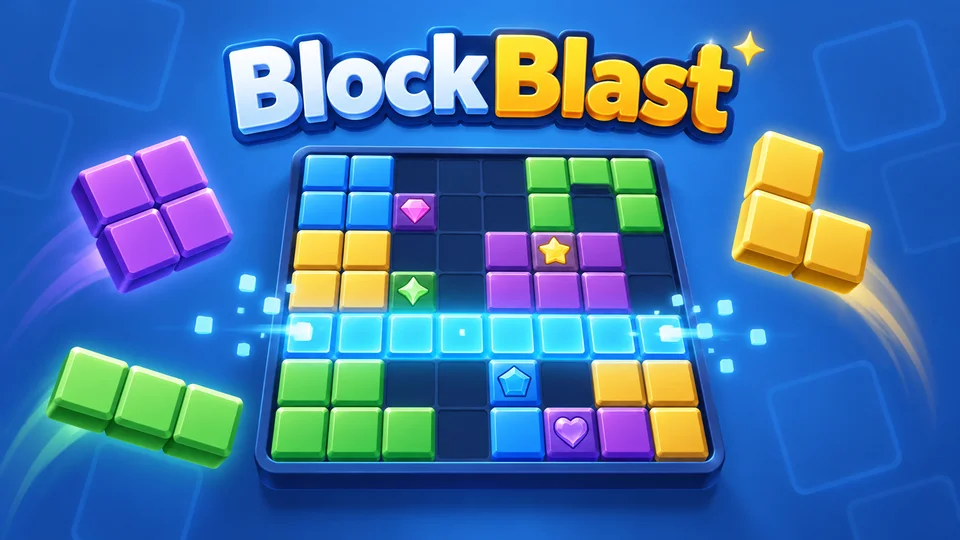
BlockBlast keeps the same 8x8 placement rules, three-piece trays, scoring and 48 Adventure levels with another visual theme. The editions keep separate progress, so a saved round in one is not a shared board in the other.
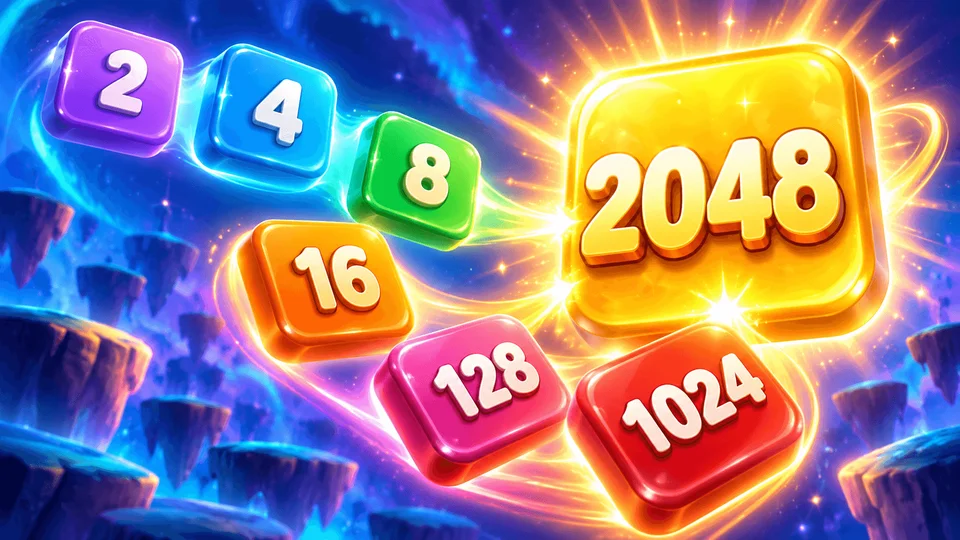
For a different grid challenge, 2048 slides and merges numbered tiles, while Nonograms uses row and column clues to uncover a picture. Browse free puzzle games to choose a mechanic, rather than assuming every block-shaped board clears lines.
It uses an 8x8 board in both Classic and Adventure. It is the maintained FoolFish block game, with its existing shapes, scoring and 48-level data.
No. A row or column clears when every square is filled. Gem colors matter only for Adventure collection targets.
No. This version keeps each offered shape in its displayed orientation and has no Undo action.
Classic ends when none of the unused pieces in the current tray can be legally placed.
There are 48 sequential levels, with score and colored gem goals, up to three stars each and 144 stars total.
A revive is offered only when an ad provider is available and rewards a completed ad. Retrying the level is free. The local test ad is labeled and is not a commercial ad.
Yes. Touch supports dragging or selecting a piece then tapping the grid. Guest progress stays in the browser; supported signed-in sessions can restore an account checkpoint on another device.