2048
 FOOLFISHGAMES
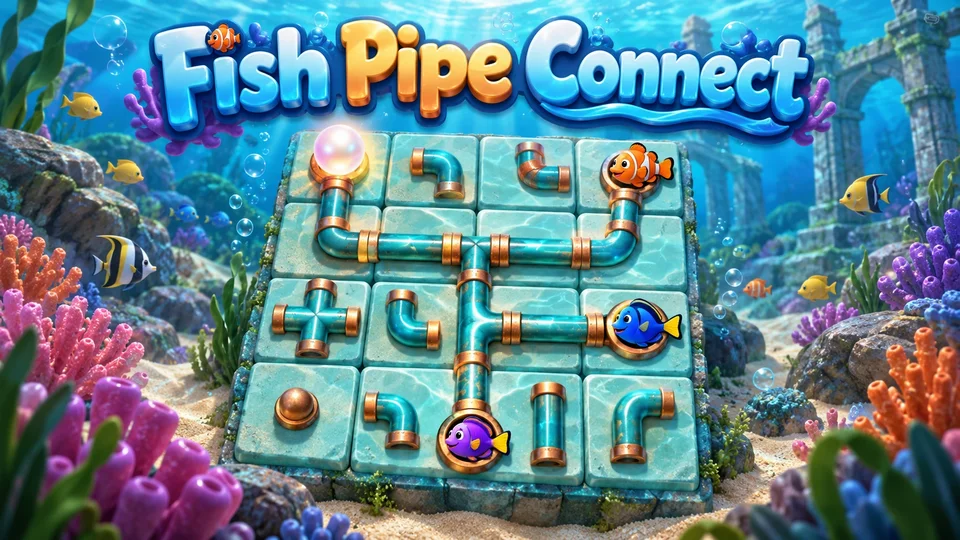
Play Fish Pipe Connect online free.
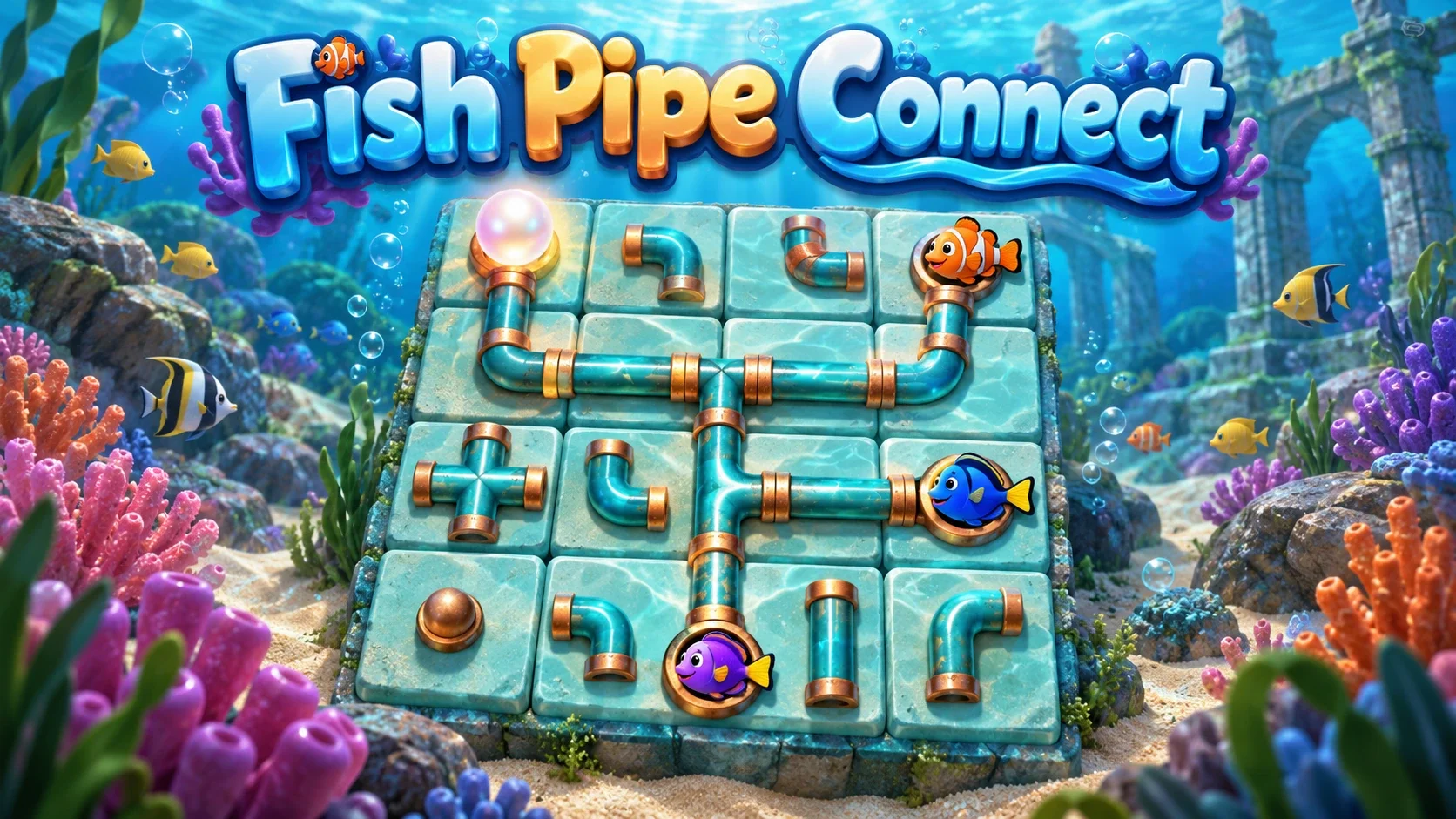
Play Fish Pipe Connect online free. Rotate sea pipes, lock solved tiles and light every fish endpoint. Try wrapping grids, undo moves and save the original Net history.
Rotate every network tile into one connected arrangement with no loops. Left click turns anticlockwise; right click or Ctrl+click turns clockwise. Middle/Shift click or S locks; arrow keys select, A/D rotate, F turns 180°, J jumbles unlocked pieces.
Type contains five normal and five wrapping presets plus Custom. In wrapping mode Shift+arrows shifts the view; Ctrl+arrows moves the highlighting source. Preferences changes loop highlighting. New makes another deal, Restart replays this deal; Undo, Redo and original assisted Solve remain. Game contains ID/seed input and native file download/upload.
Save keeps original rotations, locks, history position, wrap origin, source and preferences. Sign in before opening for account sync; guest progress stays separate and conflicts require an explicit choice. Histories above the 64 KiB checkpoint limit require a native file download; failed saves preserve the previous checkpoint.
Mouse
Keyboard
Touch
Turn the ocean-colored pipe pieces until every network tile joins one connected route with no closed loops. Fish-shaped endpoints brighten when they reach the source, but lighting the fish alone is not enough: every branch and junction must connect too.
Start with a compact 5×5 reef or choose a larger board to trace more routes. Fish Pipe Connect changes the artwork of the rotating-pipe puzzle while keeping its generated networks and fixed piece shapes. There is no oxygen countdown, feeding system or animal collection.
Tap or left-click a piece to turn it anticlockwise. Right-click or Ctrl plus click turns the other way; on a keyboard use A, D or F after selecting a tile with the arrow keys.
Compare the shape of the teal route with the openings on its neighbors. A junction needs several connections, while an endpoint has only one branch. Turning a tile changes its direction, not its position or the number of branches it carries.
Use Shift plus click, middle click or S to lock a tile whose direction you know. The locked background keeps it distinct from tiles still being considered. The same input unlocks it, so locks are reversible decisions.
J jumbles only the unlocked pieces. Your confirmed sections stay in place, and the whole jumble is part of the native undo history. You can try another orientation without losing the locked part of the reef network.
Choose one of the ten original presets: five sizes from 5×5 to 13×11, each offered with normal or wrapping edges. Wrapping connects opposite sides of the grid, so an apparent boundary is not necessarily a dead end.
Shift plus arrows moves the origin of a wrapping view. Ctrl plus arrows changes the source used for glowing routes. These original tools let you inspect a route from a clearer position while preserving the same puzzle.
On normal boards, turn branches away from outer edges and follow the constraints from endpoints, corners and junctions. Check for closed loops before locking a route. Coral-colored barriers forbid a connection across the marked edge, even when both neighboring pipes point toward it.
Custom keeps the original width, height, barrier probability, wrapping and unique-solution options. Loop highlighting is also retained in Preferences. Turning off immediate highlighting changes the feedback you see, not the branch connections or completion rule.
Restart returns to this reef’s starting arrangement; New generates another network. Undo and Redo restore rotations, locks and jumbles. Solve reveals an auto-solved arrangement as practice and does not record a normal win or loss. Undo returns you to the earlier position if you want to keep solving.
Use the Game menu to enter a puzzle ID or random seed, retain either permalink, or download and upload a native save file. A puzzle ID describes the starting board; a seed repeats generation with the same options. Fish Pipe Connect keeps its own progress separately from the standard edition.
The complete native history, wrapped view, highlight source and loop preferences are checkpointed together. Signed-in players can use the account checkpoint on another device; guests retain browser progress separately. A save conflict asks which full progress to keep.
Optional Ocean sound adds a short watery tone after actions and a completion chime. It is off by default and does not supply puzzle clues. Very long histories can exceed the 64 KiB checkpoint limit; a failed save preserves the previous checkpoint, and native file download remains available.
Open Pipe Connect for the plain presentation of the same network puzzle. Explore puzzle games or other grid games when you want to work with different shapes and clues.
Assemble an underwater picture in Fish Jigsaw, or discover a picture from numerical clues in Nonograms. These are separate puzzle games with different goals, rather than unlockable features of the reef network.
Rotate the fixed pieces until every network tile connects to the source in one network with no closed loops. A lit endpoint is only part of the route; all branches and junctions must connect too.
Left-click rotates anticlockwise; right-click or Ctrl+click rotates clockwise. Middle-click, Shift+click or S locks and unlocks. Arrow keys select, A/D rotate and F turns by 180 degrees.
A route leaving one edge connects to the opposite edge. The Type menu offers normal and wrapping presets; Shift+arrow keys shifts the wrapped view.
Yes. Undo and Redo keep the original native history, Restart returns to this deal, and New creates another. Solve shows an explicitly auto-solved practice result; it does not record a normal win or loss.
Open from a signed-in FoolFish account for account checkpoints. Guests stay separate; save conflicts require a choice. Histories exceeding 64 KiB cannot be checkpointed, but native file download remains available and the previous checkpoint is preserved.