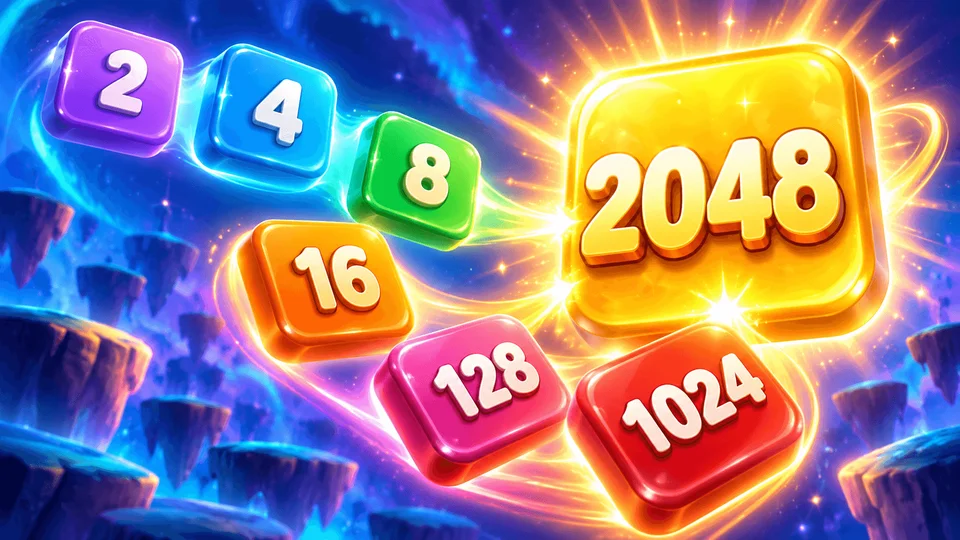
2048
 FOOLFISHGAMES
Untangle a colorful collection of rings in Rings Rotate.
Untangle a colorful collection of rings in Rings Rotate. Turn each open ring until its gap clears the clasp, then release it to watch it break into pieces. Slide bars along their axes and find the right order to free every piece. Discover new arrangements as you progress, with bombs, linked pieces, and useful tools adding variety. Clear levels to earn coins, and use them to buy more Firework or Hammer uses when you run out. A cheerful corgi, lively sounds, and satisfying bursts celebrate each success. Play with a mouse or touchscreen. Your progress is saved in your browser so you can return to the puzzle later.
Select Continue to start or resume your puzzle.
Mouse: Click and drag an open ring to rotate it. Touch: Drag a ring with one finger. Guide the gap past its clasp, then release your mouse or lift your finger to remove the freed piece.
Slide a bar along its own axis until it clears the clasp, then release it. Before releasing, you can move a ring or bar back into place. If a piece is blocked, try freeing another piece first.
Keyboard: Focus the board, then use Tab or Shift+Tab to select a piece. Use the arrow keys to rotate a ring or slide a bar. Release the keys to remove a freed piece. Press Enter or Space to activate a selected bomb ring. Press Esc to close a dialog or cancel tool selection.
Clear all target pieces to complete the level, earn coins, and continue to the next puzzle. Firework removes one random object; Hammer lets you choose an object to remove. When a tool runs out, use coins to buy another use.
Open Settings for help, sound options, Restart, or Home.
Mouse
Touch
Keyboard