2048
 FOOLFISHGAMES
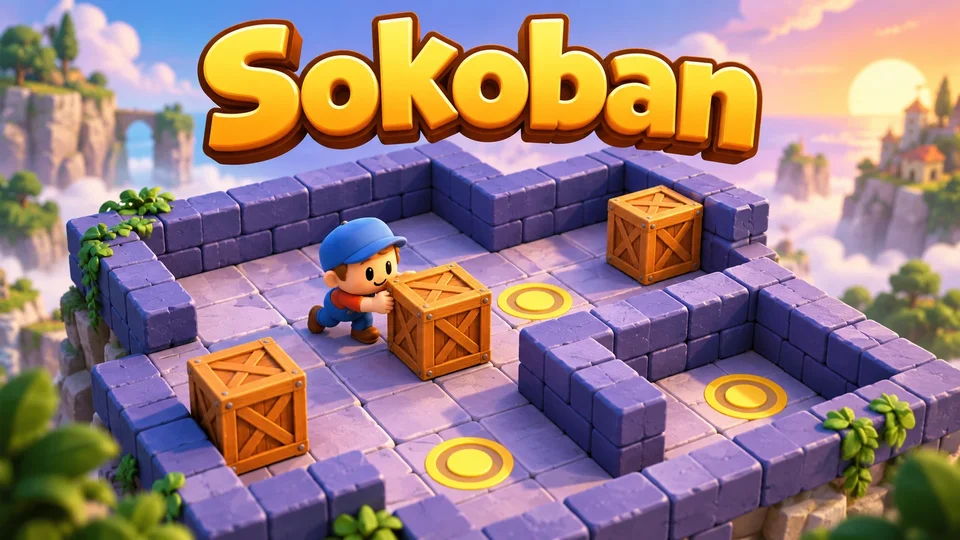
Sokoban is a six-level box pushing puzzle.
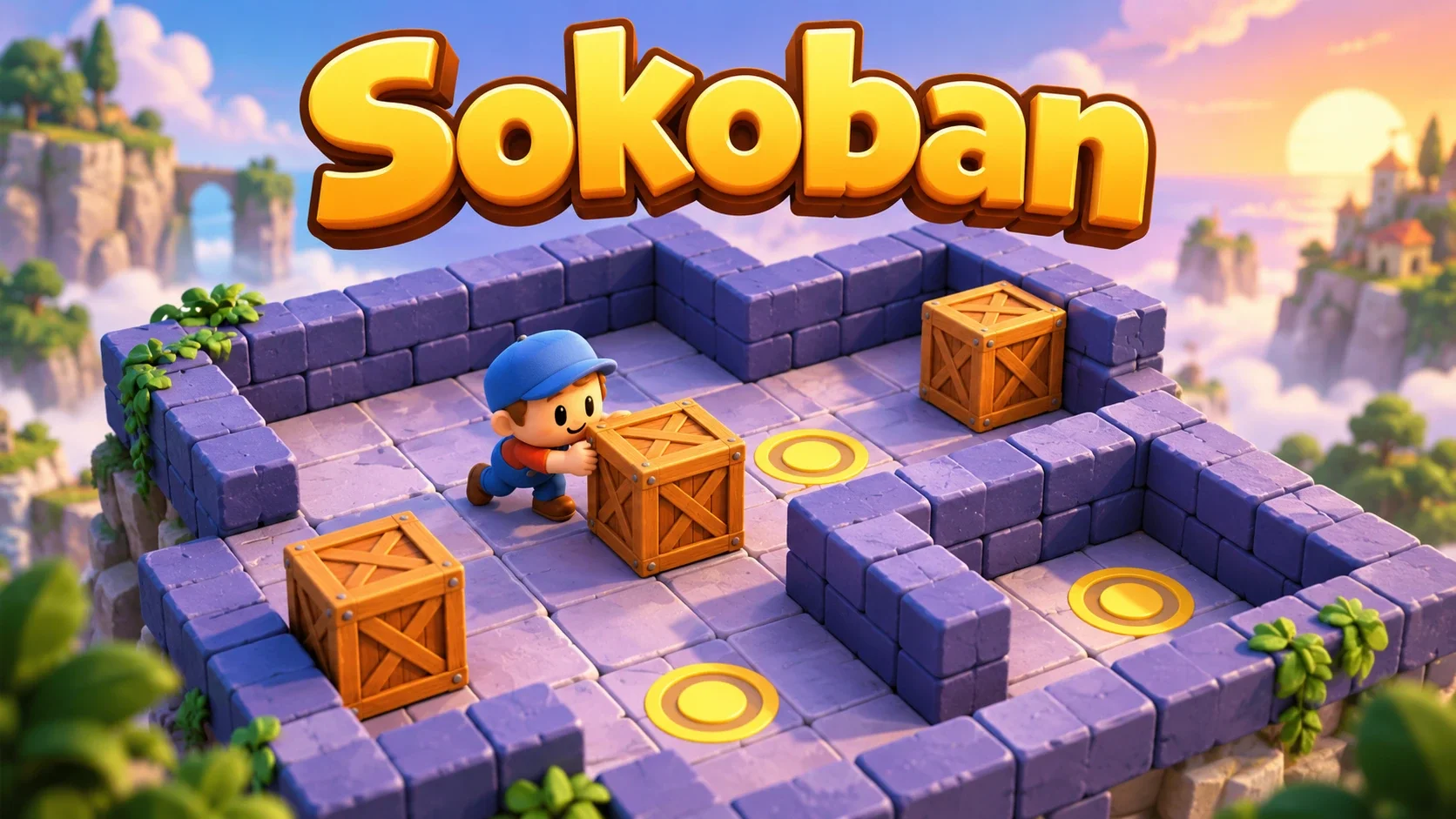
Sokoban is a six-level box pushing puzzle. Move one tile at a time, push each box onto a goal and use Undo or Reset to recover from a wrong turn. The original push-optimal BFS solver and dead-square overlay are included.
Use arrow keys or WASD to move; touch players use the original direction buttons. You can push one box at a time and cannot pull it. Put every box on a goal. Choose any of six levels, Undo a manual move, Reset a board, or watch Solve (BFS) from the current position. Dead squares marks locations a box cannot escape to a goal.
Mouse
Touch
Keyboard
Sokoban is a warehouse keeper puzzle played on a tile grid. Move around the walls, stand behind a box and push it onto a marked goal. This version contains six original mini-levels created by SEN LLC.
Every action still follows the same box pushing rules: move one square at a time, push one box into an empty square, and finish when all boxes are on goals. A box cannot be pulled, pushed through a wall or pushed through another box.
Use the arrow keys or WASD to move the keeper. On a touch device, use the direction buttons below the board. Walking into a box pushes it if the next square is free.
The HUD records successful moves and pushes. Bumping a wall or blocked box does not add a move. There is no timer or move limit; you can pause to plan where the keeper needs to stand for the next push.
Choose any board from the Level menu: First push, Two rooms, Around the pillar, Pair, Storage row or The hook. All six are available immediately and every player receives the same maps.
These are six bundled miniature puzzles, not a daily seed or a server-generated level feed. The first board teaches a single push; later boards add route planning, pillars, multiple boxes and a narrow hook-shaped arrangement.
Undo returns to the previous manual move snapshot. Reset restores the selected level to its starting layout and clears that board’s move history. You can also choose another level without completing the current one.
Solve animation steps do not add entries to the original manual Undo history. After an assisted solve, Undo therefore returns to the last manually recorded position, rather than reversing each automatic step; the move counters retain the source game’s behavior.
Use the Dead squares checkbox to mark positions from which a box can never reach a goal. The original analysis starts at the goals and works backward with a reverse pull search before play or solving.
Avoid pushing a box into an unmarked wall corner unless that corner is a goal. Keep routes behind boxes open, and work out where the keeper will stand before committing a push. The overlay identifies static dead squares; other arrangements of several boxes can still block one another.
Solve (BFS) searches from your current position. It finds a solution with the fewest pushes, then animates the keeper’s walking route and the required pushes. Fewer pushes does not necessarily mean the fewest walking moves.
The source solver stops after its search budget if it cannot finish the search. A proven deadlock is reported separately from reaching that budget. The animated solution can be paused with the game host; reloading restores the current board and the remaining valid animation steps. A completed automatic solution is practice: it pauses active-play timing and does not count as a natural win or a loss. Reset clears assistance for a fresh attempt.
Save keeps the selected level, board, moves, pushes, manual history, Dead squares setting and any unfinished Solve route. Refresh resumes the same compatible checkpoint. Opening Save options pauses movement and the solver animation until the dialog closes.
When the FoolFish host provides a signed-in account save connection, the whole checkpoint can sync to that account. If another device has newer progress, choose which board to keep. The editions and guest or account profiles keep separate progress. A very long move history can exceed the checkpoint limit: a failed save keeps the earlier checkpoint without trimming your moves, and Save options stays open. Close it to keep playing, or Reset for a fresh attempt.
Plan the keeper’s route as well as each box’s destination. Leave room to stand behind a box before its next push, and avoid wall corners unless they are goals. If a move closes a useful route, Undo lets you compare an earlier choice.
Fish Sokoban uses the same six layouts, box pushing rules and solver with another visual theme. Sliding Puzzle asks you to rearrange numbered tiles around one empty space, while Water Sort focuses on moving matching liquid colors between containers. Browse logic puzzles when you want another challenge in planning moves.
Six fixed original mini-levels are included. Every player has the same maps, and you can choose any level immediately.
No. The keeper can only push one box into an empty square. Walls and another box block the push.
It marks static positions from which a box cannot reach any goal, using the original reverse pull search. It does not mark every possible multi-box deadlock.
It finds a push-optimal solution, which minimizes pushes. The walking route can use more total moves than another solution. Automatic steps are not added to the manual Undo history. A completed automatic solution counts as practice, not a natural win or a loss.
Yes. Supported checkpoints keep the current board, manual history, counters and pending Solve route. Local refresh uses the same compatible browser build; account sync requires a signed-in FoolFish host connection. Conflicts ask which whole board to keep. If the move history exceeds the checkpoint limit, saving fails and the earlier checkpoint is kept; current moves are not silently discarded.