Backgammon
 FOOLFISHGAMES
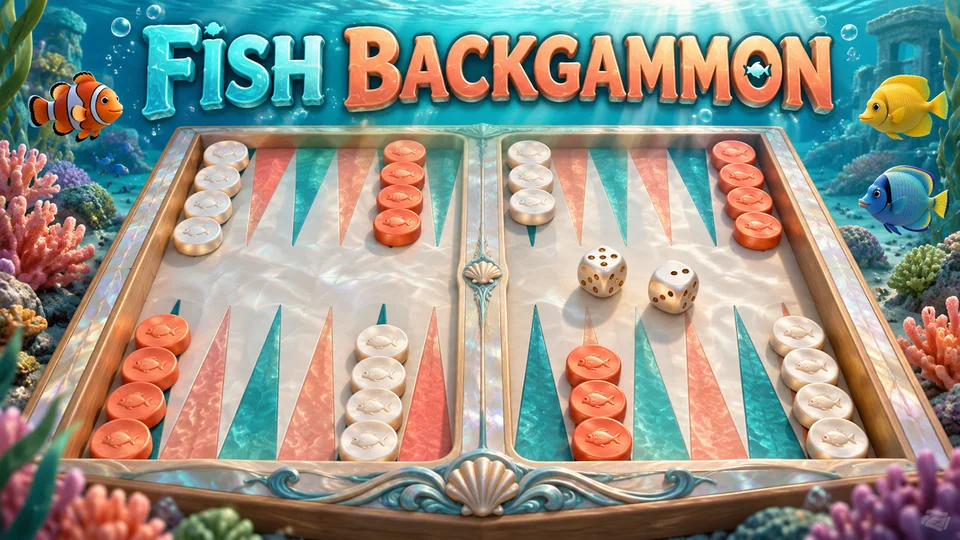
Fish Backgammon brings the classic dice-and-checker race to a coral reef.
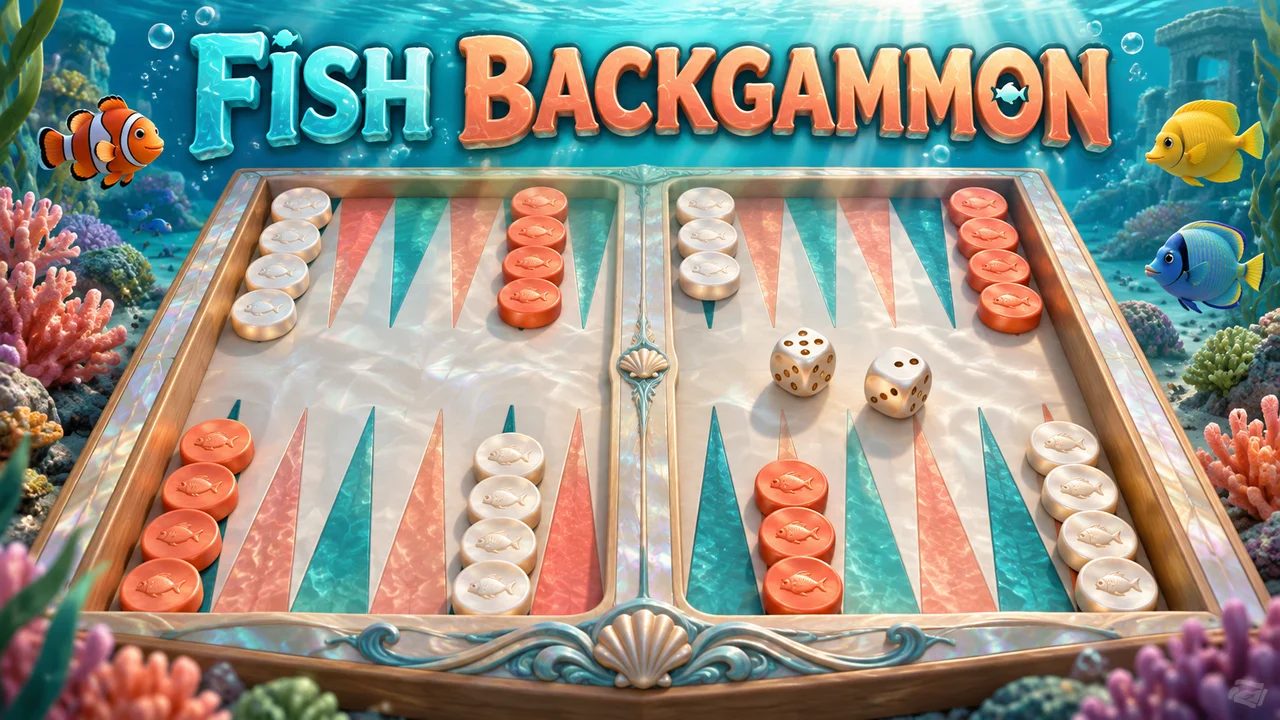
Fish Backgammon brings the classic dice-and-checker race to a coral reef. Move pearl and coral pieces, hit exposed checkers and bear all 15 home before the other side. Play against the computer or a friend sharing your device; the ocean artwork changes the setting while the dice, bar and bear-off rules remain the same.
Choose Play the computer or Play a friend. The first player is chosen at random. Pearl moves from point 24 toward 1, and Coral moves from 1 toward 24.
Roll two dice. Tap a checker, then a highlighted destination. Each die is a separate move; the same checker may use both dice in sequence. Doubles provide four moves. You must use as many dice as possible. If only one die can be used, choose the higher value when it has a legal move.
Two opposing checkers block a point. A single opposing checker is a blot: landing on it sends it to the bar. Re-enter all your barred checkers before moving other pieces.
Once every remaining checker is in your home board and none is on the bar, bear off using exact dice. A larger die can bear off only your furthest checker. Tap the highlighted home tray. The first player to bear off all 15 checkers wins.
Hint suggests a move. Undo takes back moves within the current turn, without changing the dice. End turn commits it. Flip rotates the board. Keyboard Tab or arrow keys select board positions; Enter or Space activates a point.
Your board and dice save in this browser. Sign in on FoolFish before opening the game to use account checkpoints. This single-game edition has no doubling cube, betting or remote multiplayer.
Mouse
Touch
Keyboard
Fish Backgammon gives the traditional board a sea-green setting, with pearl and coral checkers marked by fish silhouettes. The triangular points still form the familiar twenty-four-point route. This is a backgammon game with new artwork: moving, hitting, re-entering and bearing off follow the same rules as the standard version. Choose the computer for a solo challenge or share your screen with a friend.
Choose a mode and let the game select the first player at random. Pearl travels from point twenty-four toward point one; Coral moves in the opposite direction. Roll the dice, select a checker and tap a highlighted destination. Each die represents one move, so a checker using both numbers must land legally after each step. Tap a die when you want to see only its available moves.
A double turns two matching dice into four moves of that value. You must use as many moves as the board permits. With unequal dice, use both when possible. If only one number can be played, the higher die must be used when it offers a legal move. These rules can make the order of your moves important, especially when entering from the bar or preparing to bear off.
Two checkers on one point protect each other: your opponent cannot land there. A lone checker can be hit and sent to the bar. Any barred checker must return through the opponent’s home board before its side can move other pieces. A closed entry point can cost a turn, so building a strong home board is useful even while your own checkers are still travelling.
Once all remaining checkers are in your final six points, start bearing off. Use exact dice where possible. An oversized die removes a checker only from the furthest occupied point. Select a checker and the highlighted tray to complete the move. The tray counter shows progress toward fifteen, while the pip count shows the distance still left on the board. The first side with all fifteen off wins.
Hint highlights a suggested move; Undo lets you change a decision within the current turn without rerolling. End turn commits your moves. Continue game resumes the saved board and dice, and Flip changes its viewing direction. Guest progress belongs to this browser. Sign in on FoolFish before launching for account checkpoints and use Save options to resolve competing saves. Games are against the computer or a friend on the same device, without remote matchmaking or betting.
No. It shares the standard version’s dice, hit, bar and bear-off rules. The ocean board, checker artwork and side names are different.
Pearl moves from point 24 toward 1. Coral moves from point 1 toward 24. Flip changes the view without changing these routes.
No. Undo reverses moves within the current turn and keeps the same dice. After End turn, that turn is committed.
Yes. The board and unfinished dice are saved in this browser. FoolFish account checkpoints are available when you sign in before opening the game.