Checkers
 FOOLFISHGAMES
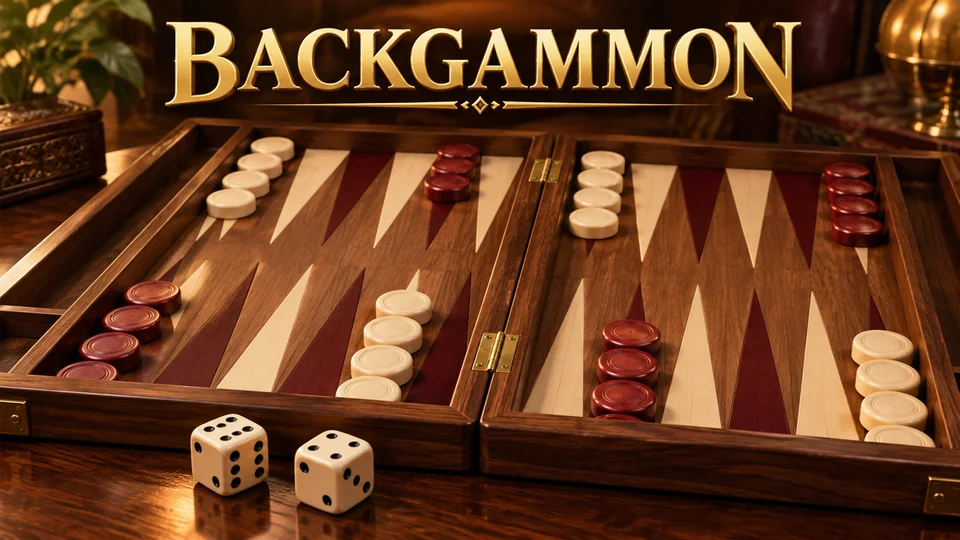
Play Backgammon online for free against the computer or a friend on the same device.
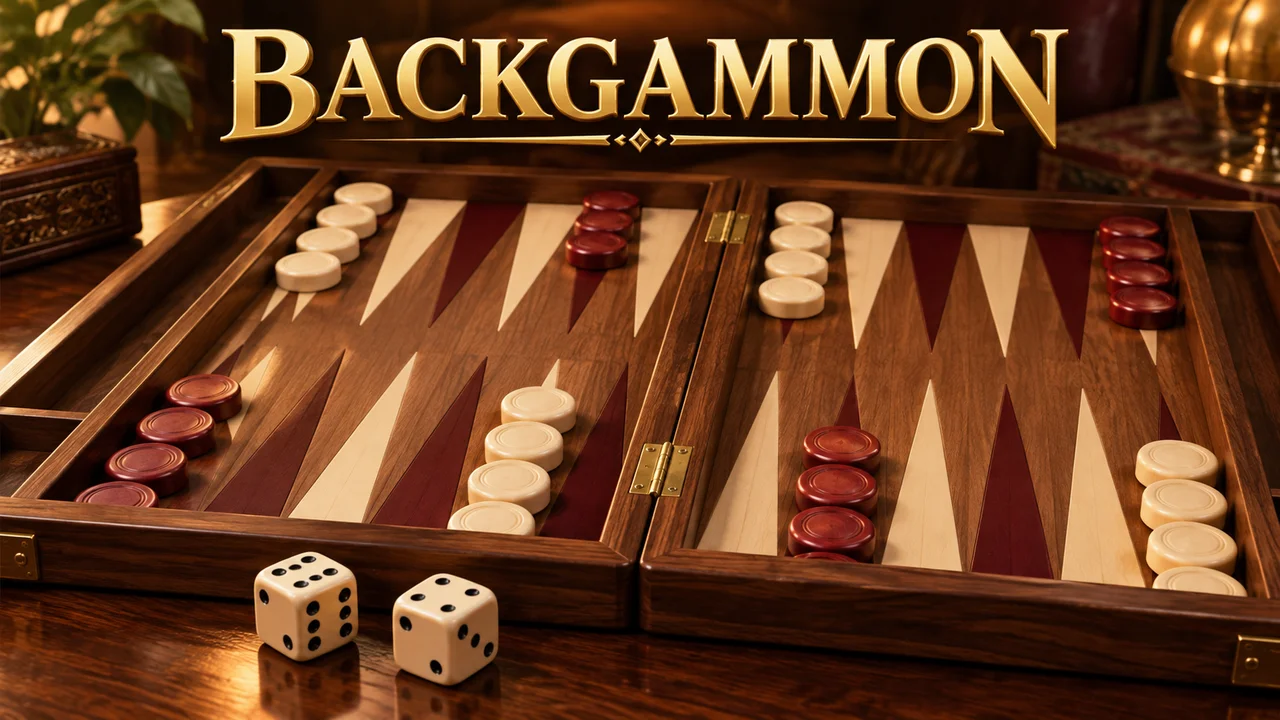
Play Backgammon online for free against the computer or a friend on the same device. Roll two dice, hit exposed checkers, re-enter from the bar and race to bear off all 15 pieces. Legal-move highlights help you learn when both dice must be used and when the higher die takes priority.
Choose Play the computer or Play a friend. The first player is chosen at random. Ivory moves from point 24 toward 1, and Red moves from 1 toward 24.
Roll two dice. Tap a checker, then a highlighted destination. Each die is a separate move; the same checker may use both dice in sequence. Doubles provide four moves. You must use as many dice as possible. If only one die can be used, choose the higher value when it has a legal move.
Two opposing checkers block a point. A single opposing checker is a blot: landing on it sends it to the bar. Re-enter all your barred checkers before moving other pieces.
Once every remaining checker is in your home board and none is on the bar, bear off using exact dice. A larger die can bear off only your furthest checker. Tap the highlighted home tray. The first player to bear off all 15 checkers wins.
Hint suggests a move. Undo takes back moves within the current turn, without changing the dice. End turn commits it. Flip rotates the board. Keyboard Tab or arrow keys select board positions; Enter or Space activates a point.
Your board and dice save in this browser. Sign in on FoolFish before opening the game to use account checkpoints. This single-game edition has no doubling cube, betting or remote multiplayer.
Mouse
Touch
Keyboard
Backgammon combines a race around the board with the risk of leaving checkers exposed. Each player has fifteen checkers and tries to move them into a six-point home board before bearing them off. Play the computer for a solo game, or choose Play a friend to share one screen. The game runs in your browser without a separate download.
The first player is chosen at random in this edition. On a turn, roll two dice and use each number as a separate move. You can move two checkers or move the same checker twice, provided each landing point is open. Doubles give four moves. Both dice must be used when possible; when only one is usable, the higher number takes priority if it has a legal move. Highlighted destinations enforce these rules.
One opposing checker on a point is a blot. Land there to send it to the bar, delaying its race home. Two or more opposing checkers close the point. A player with a checker on the bar must enter it through the opponent’s home board before moving anything else. If every permitted entry point is blocked, the turn passes without a move.
Bring all remaining checkers into your home board first. An exact die can then remove a checker from the corresponding point. If the die is larger than the distance needed, you may bear off only from your furthest occupied point. A hit can interrupt this phase: the checker must re-enter and travel home again. Bear off all fifteen to win this single-game race.
Build points with at least two checkers so your opponent cannot land on them. Before hitting a blot, check whether your own checker will be exposed to a return hit. Watch the pip counts to compare the distance each side still has to travel. When learning, use Hint to examine a legal choice and Undo to reconsider a move before ending the turn. Undo preserves the roll rather than giving new dice.
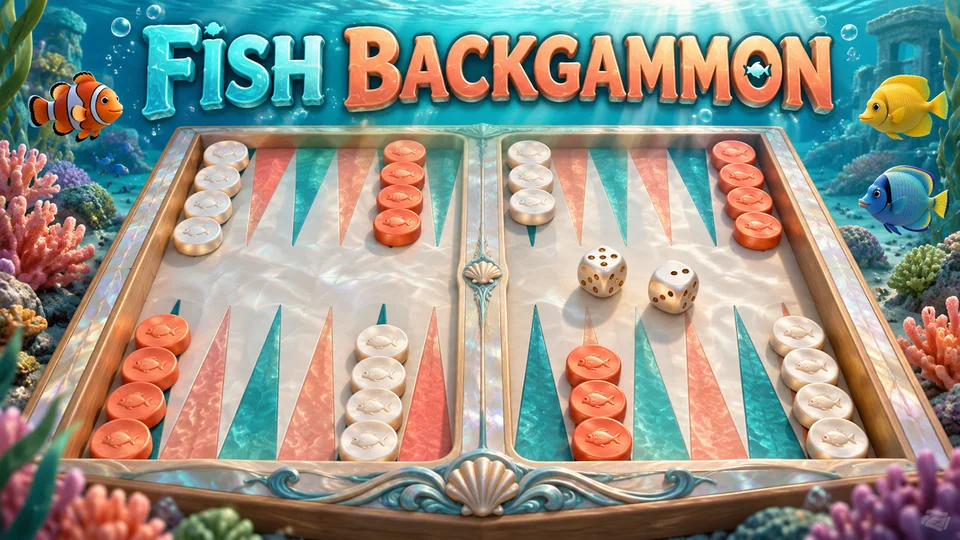
A friend can play on the same phone, tablet or computer. Flip rotates the board when you pass the device. This version has no remote matchmaking, doubling cube or wagering. Guest boards stay in the current browser; signing in on FoolFish before opening the game enables account checkpoints. Continue game restores the board and unfinished dice. Fish Backgammon offers the same game with an ocean theme.
Yes. Start the game in your browser and choose the computer or a friend on the same device. No game download is required.
You receive four moves of the rolled number and must use as many of them as legally possible.
All your remaining checkers must be in your home board, with none on the bar. Then use exact dice or an oversized die on the furthest occupied point.
No. Play the computer or take turns with a friend sharing one device. There is no remote matchmaking or doubling cube.