2048
 FOOLFISHGAMES
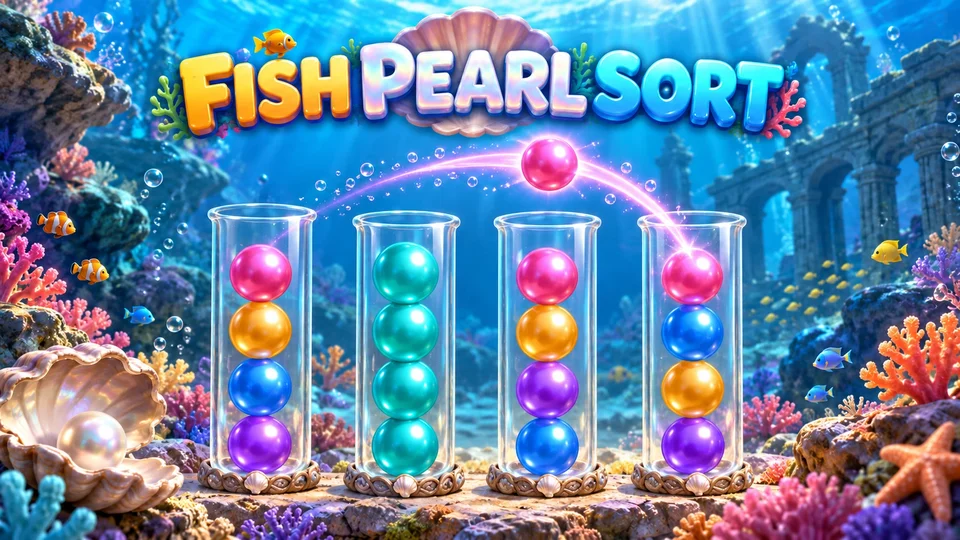
Fish Pearl Sort is a color sorting puzzle: move matching top groups between four-pearl tubes until each color has a full tube.
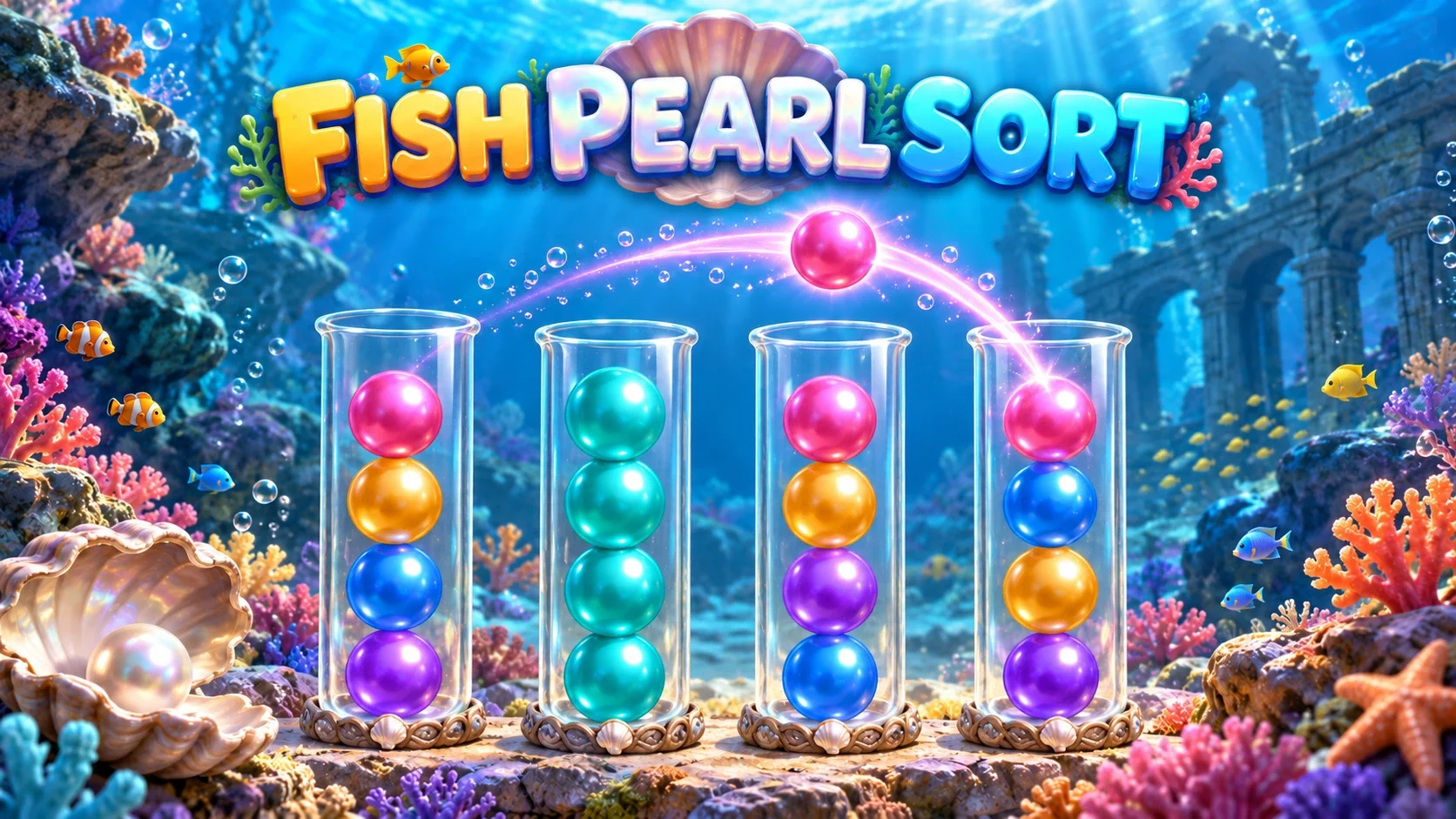
Fish Pearl Sort is a color sorting puzzle: move matching top groups between four-pearl tubes until each color has a full tube. Play seeded levels that grow from 3 to 12 colors. Use hints, three starting undos, one extra tube, replay and personal-best records. Original ocean pearl patterns, shell glass and new audio keep the source puzzle rules.
Click or tap a tube, then an empty tube or one with the same top color and room left. The entire matching exposed top run moves together, limited by the space available. Tubes hold four pearls. Finish when each tube is empty or full of one color. Each level starts with three undos; once used, the browser reward button supplies three more without an ad. One Extra Tube is available per level through the same browser fallback. Hint highlights a legal suggested move without changing the board. Restart repeats the level’s original seed. Next advances; Replay repeats; the level picker revisits unlocked levels. Tab/Enter or Space activate tubes, arrows move tube focus, Ctrl/Cmd+Z undo. Settings control sound/vibration and include a confirmed progress reset. Local progress resumes the same game in the same browser.
Mouse
Touch
Keyboard
Select a tube to lift its exposed top pearls, then select a destination. You can move onto the same top color or into an empty tube, provided the destination has room. A tube holds four pearls.
This version moves a matching top run together, rather than always moving one pearl. If the destination has only one free space, only one pearl transfers. The puzzle ends when every tube is either empty or full of a single color.
The level number determines the puzzle seed. Level 1 starts with three colors; a new color is added every three levels, up to twelve colors at level 28. Every color has four pearls and each initial puzzle includes two empty tubes.
The original generator rejects starting layouts until its built-in solver verifies a solution. Restarting a level generates its same layout. These are continuing numbered levels, rather than a daily challenge, and there is no fixed final level in this version.
Empty tubes are useful working space. Before moving a group, check what color will become exposed below it and whether you will still have a legal destination for that color.
The game highlights legal destinations for a selected group and marks completed tubes. A completed tube cannot be selected as a source in normal play. A move with a large group still counts as one move; avoid unnecessary transfers when improving your personal best.
Each new or restarted level begins with three undos. Undo reverses the previous transfer, restores its moved pearls and decreases the move count. Your available undo count decreases by one.
When the count is zero, clicking Undo first grants three more in this browser edition; click it again to undo the move. No ad is displayed for this refill.
Hint searches the current board using the original solver and highlights a recommended legal transfer. It does not change any pearls or increment the move counter. If no hint is produced, the board stays as it is.
The +1 Tube button adds a single extra empty tube for that level through the original browser reward fallback. The button then becomes unavailable. Restart restores the original two empty tubes and removes the extra one.
The win screen shows the number of moves and whether you improved the recorded best for that level. Choose Next Level for the next numbered puzzle or Replay Level to repeat the same seed.
The level number also opens a picker for unlocked levels. Switching away from a partly played board asks for confirmation and replaces that board and its move history. A completed level is saved as the next level immediately, even before you click Next.
On touch screens and with a mouse, select the source tube and then the destination. With keyboard focus on a tube, use arrow keys to move within or between rows and Enter or Space to select. Ctrl/Cmd+Z uses Undo.
Browser saves keep the current board, move history, undo count, extra-tube flag, sound/vibration settings, unlocked levels and best-move records. A reload during a flight returns to the last committed board; a completed flight saves the move. Guest progress, signed-in account checkpoints and the other theme edition use separate save scopes.
When opened from the FoolFish player with a signed-in account, the game can use the account checkpoint supplied by the host. If a local checkpoint and a cloud checkpoint conflict, choose which progress to keep. Clearing browser storage can remove local saves; signing in does not combine guest progress or progress from another edition.
Fish Pearl Sort replaces colored balls with patterned pearls in shell-decorated containers. Its ocean backdrop and sound effects create a reef setting, while the seed, matching rules and move count work exactly as in Ball Sort.
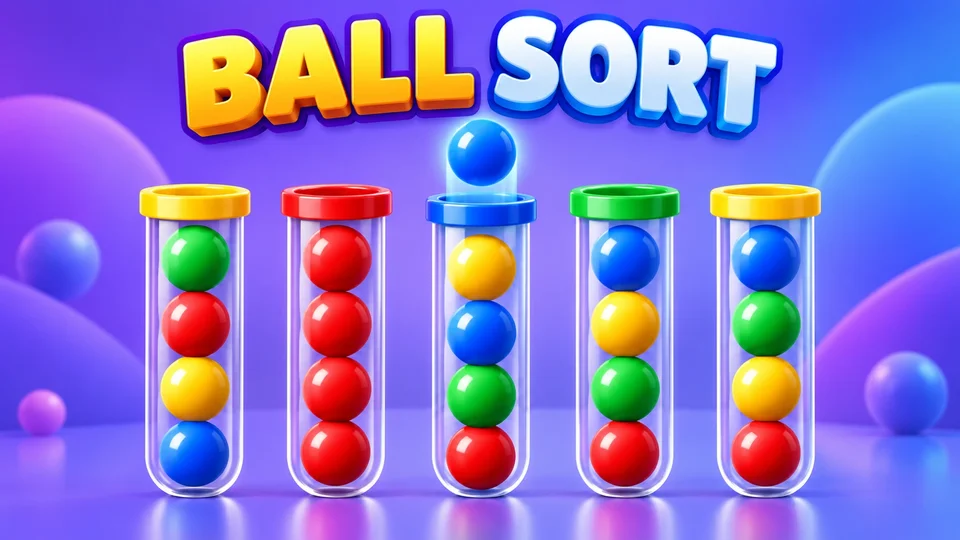
Ball Sort uses the same group-transfer rules with a different presentation. Water Sort has a different puzzle bank, hidden lower layers and earned-coin tools; read its rules separately rather than assuming all sorting games work the same way.
No. This version moves the exposed matching run, limited by the destination’s free space. A run can contain several balls.
Yes. The numbered seed and original generator determine its starting layout.
After the three starting undos are used, click Undo to receive three more through the browser fallback, then click again to use one.
No. You can receive three more undos or one extra tube without an ad in this browser edition.
Completing a level saves the next level and your best-move record immediately. Use the level picker to replay an unlocked earlier level.