2048
 FOOLFISHGAMES
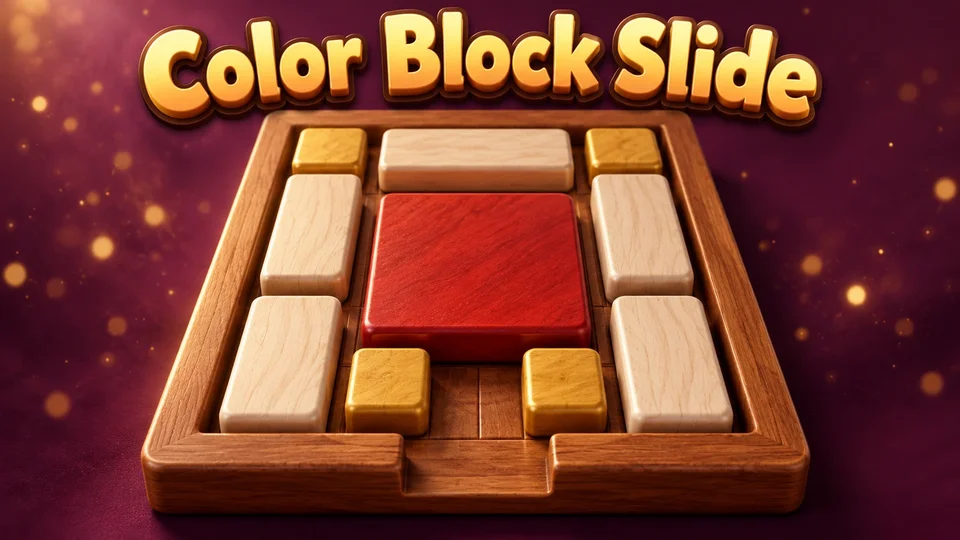
Play Color Block Slide online free.
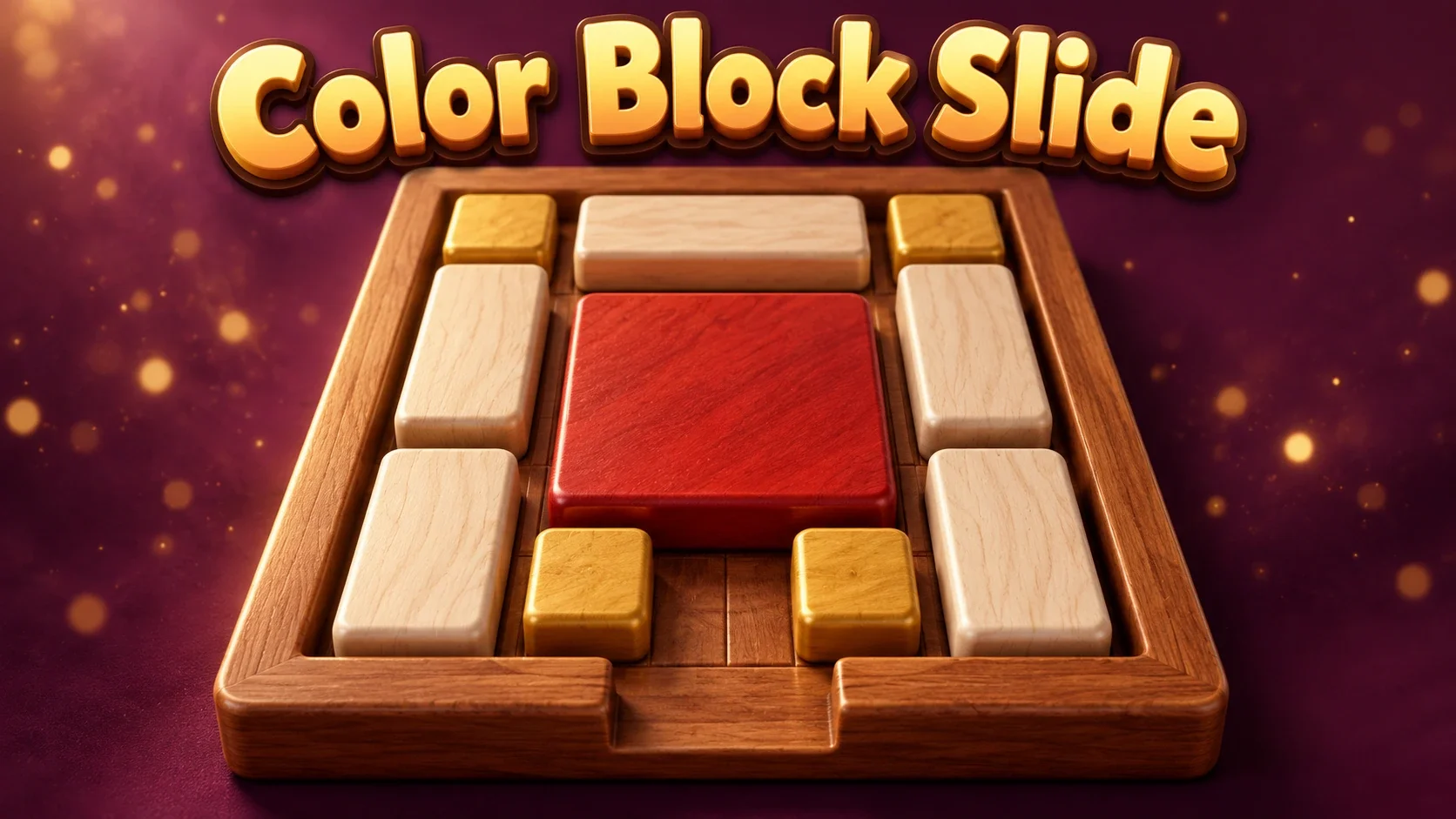
Play Color Block Slide online free. Move ten blocks around a 3D Klotski board, guide the large red square to the bottom exit and try hints or solution playback.
Drag a block horizontally or vertically into free space. Blocks cannot rotate, overlap or leave the 4-by-5 board. Guide the large 2-by-2 red block to the bottom-center position to win. Each single-cell slide adds one move. A short tap moves a block automatically only when it has exactly one legal direction.
Drag empty space to rotate the 3D view; the mouse wheel or touch gestures zoom. Hint shows optimal next-move arrows. Press Hint again without moving to toggle sticky hints. Solve plays an original shortest path from the current board; Stop interrupts playback, and Prev/Next choose other distinct solutions when available. Reset and Play Again return to the same classic layout.
This is one classic ten-block Klotski puzzle, with no timer, lives, numbered campaign or separate exits for each color. There is no paid hint, ad requirement, online opponent or soundtrack.
Saves preserve the exact block positions, move count, camera, hints and native solution playback, including an in-progress animation. Animation/playback pauses while hidden or paused. Sign in before opening for account saves; guests stay separate. Conflicting browser/account progress requires a choice, and invalid checkpoints are not silently replaced.
Mouse
Touch
Color Block Slide is a free online sliding block puzzle with a classic Klotski layout. Ten rectangular pieces occupy a 4-by-5 board, leaving two empty cells. The red 2-by-2 square is your target: shift the other pieces until it can reach the bottom-center opening.
A color identifies a block, not a separate matching door. The pieces remain on the board, cannot rotate and move only into empty space. This edition contains one reusable classic puzzle rather than a numbered level campaign.
The large square needs a two-cell-wide route. A useful move can be sideways or temporarily away from the exit: relocating a small piece often creates space for a taller block to move next.
Study the two empty cells as a resource. Keep track of which rectangles can enter them, then work backwards from the bottom-center goal. Reset is available whenever you want to try a different arrangement from the original start.
Hold and drag on a block to slide it horizontally or vertically. A drag crosses a short movement threshold before committing, and an occupied destination keeps the piece where it is. Each legal single-cell slide adds one to the visible move counter.
If a block has exactly one legal direction, a short tap performs that move. If it has several choices, drag to select a direction. You can keep dragging after a slide finishes; the next movement starts from your current pointer position.
The wooden board is drawn in a 3D view with raised pieces, lighting and shadows. Drag empty background space to rotate the camera. Zoom with the mouse wheel or supported touch gestures to see the pieces more closely.
Changing the view never changes the logical board. Pieces still follow the same four-direction sliding rules, and the red square still belongs at the single bottom-center exit.
Hint shows arrows for moves that continue an optimal route from the current position. Press Hint again without making a move to toggle sticky hints, which update after a slide. The arrows do not move a block for you.
Solve animates a shortest solution from the current board. Stop lets you interrupt it. If multiple distinct paths exist, Prev and Next replay another one from the solution’s starting position. The classic start has 32 distinct shortest paths of 116 single-cell slides; the move counter counts those individual slides.
Save keeps exact block positions, the move count, camera, hints and unfinished solution playback. Opening Saves pauses the board and automatic solution until the dialog closes. Returning during a saved slide resumes its remaining motion without adding another move. Hidden or host-paused playback stays frozen while you are away.
Guest checkpoints stay in this browser. A signed-in FoolFish host connection can sync compatible progress to your account. If browser and account boards disagree, choose which whole checkpoint to keep. A failed save retains the previous checkpoint; an account sync waiting to complete is shown separately from a browser save. Fish Block Slide uses a separate game identity and save slot.
There is no countdown, life counter or losing screen. The challenge is opening a path through a crowded board, and the move counter helps you compare attempts. Reaching the goal shows the winning overlay and a Play Again control.
Hints and Solve are available without a purchase or ad. This is a solo puzzle with no soundtrack or online opponent, and resetting returns to the same classic layout instead of unlocking a new level.
Try Fish Block Slide for ocean colors with the same ten-block rules. Visit Sliding Puzzle for a numbered-tile challenge built around a different sliding goal.
Browse more puzzle games and logic games to choose another kind of spatial challenge. Different games have different goals: always read the controls and rules on the game page.
Move the large red 2-by-2 block to the bottom-center position. The other nine blocks must slide into free cells to make room.
No. Blocks keep their shape and slide horizontally or vertically within a 4-by-5 board. There is one target block and one bottom-center exit.
Hint shows optimal next-move arrows; a second press toggles sticky hints. Solve plays a shortest route from the current board. Stop interrupts playback, and Prev/Next choose other distinct routes when available.
This edition contains one classic ten-block Klotski layout. It has no timer or lives. Reset and Play Again return to the same start.
Yes. Compatible checkpoints keep exact positions, move count, camera, hints and solution playback, including a slide animation. Saves pauses the board while its dialog is open. Guest progress stays in this browser; account sync needs a signed-in FoolFish host connection. Conflicts require a choice, and a failed save retains the earlier checkpoint.