2048
 FOOLFISHGAMES
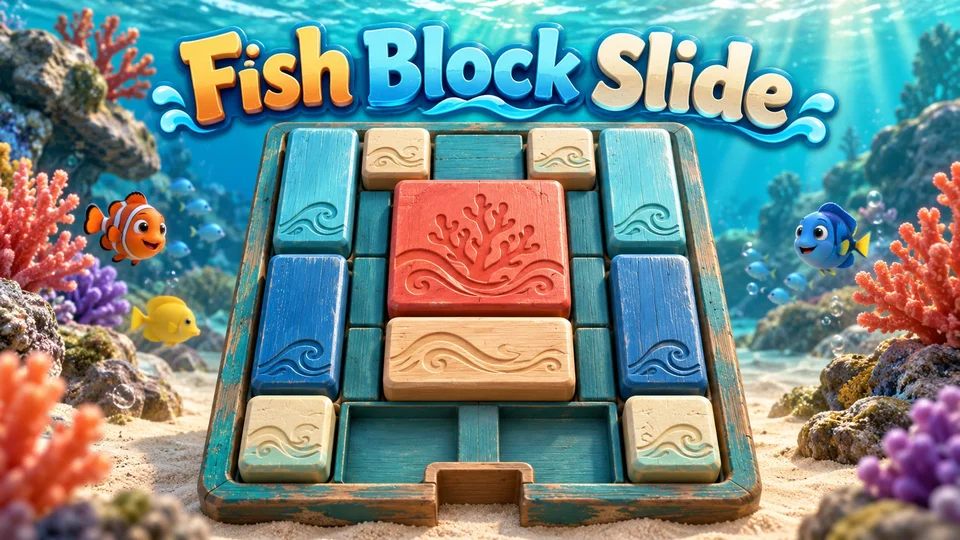
Play Fish Block Slide online free.
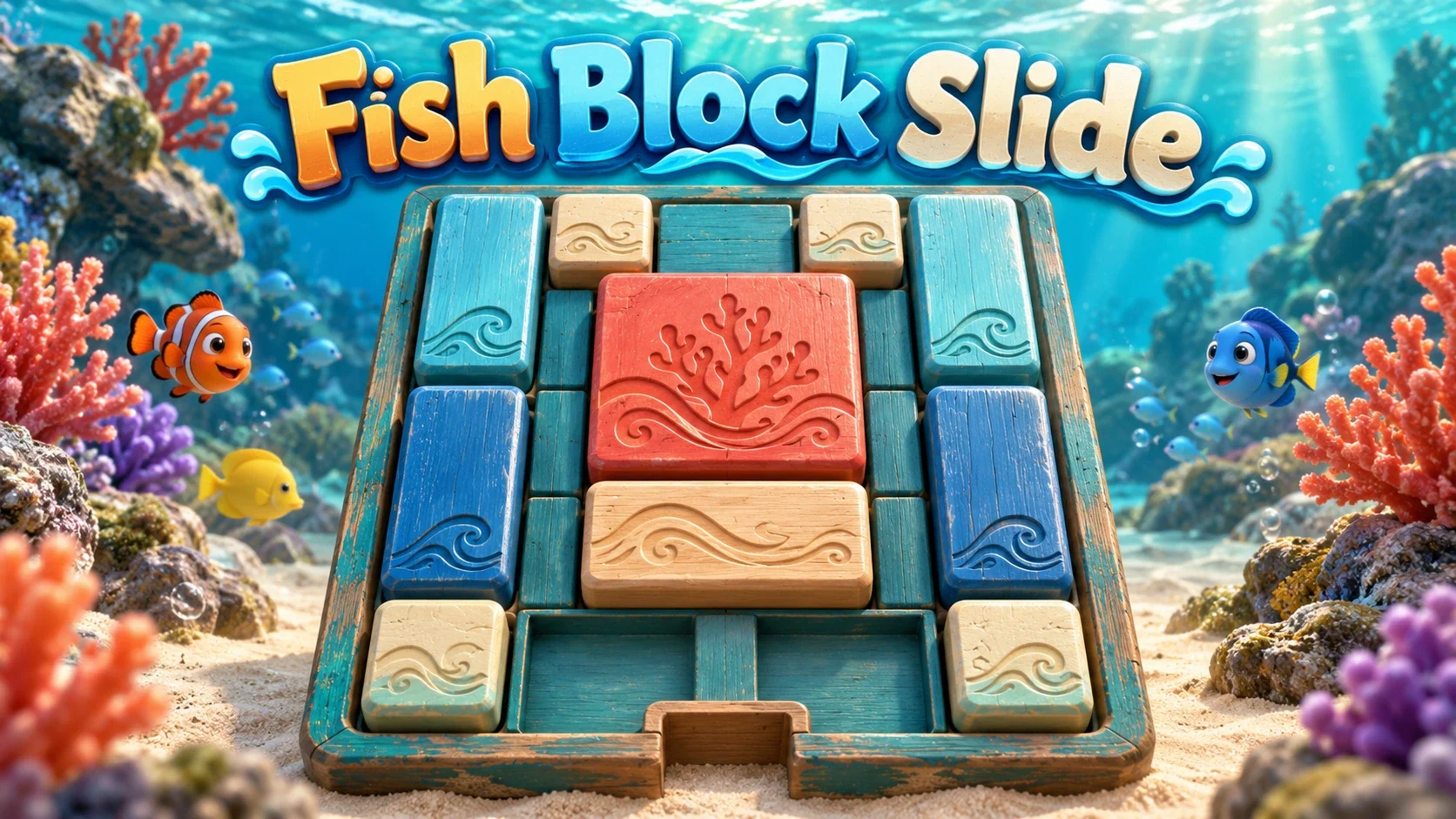
Play Fish Block Slide online free. Slide ocean-painted blocks in a 3D Klotski puzzle, clear a route for the coral-red square and use free hints or solution playback.
Drag a block horizontally or vertically into free space. Blocks cannot rotate, overlap or leave the 4-by-5 board. Guide the large 2-by-2 coral-red block to the bottom-center position to win. Each single-cell slide adds one move. A short tap moves a block automatically only when it has exactly one legal direction.
Drag empty space to rotate the 3D view; the mouse wheel or touch gestures zoom. Hint shows optimal next-move arrows. Press Hint again without moving to toggle sticky hints. Solve plays an original shortest path from the current board; Stop interrupts playback, and Prev/Next choose other distinct solutions when available. Reset and Play Again return to the same classic layout.
This is one classic ten-block Klotski puzzle, with no timer, lives, numbered campaign or separate exits for each color. There is no paid hint, ad requirement, online opponent or soundtrack.
Saves preserve the exact block positions, move count, camera, hints and native solution playback, including an in-progress animation. Animation/playback pauses while hidden or paused. Sign in before opening for account saves; guests stay separate. Conflicting browser/account progress requires a choice, and invalid checkpoints are not silently replaced.
Mouse
Touch
Fish Block Slide is a free ocean-themed Klotski puzzle played on a raised 3D board. Ten blocks fill a 4-by-5 space, leaving only two cells free. Move shell, fish and coral-painted pieces so the large coral-red square can settle at the bottom-center exit.
The ocean artwork changes the setting while the classic sliding rules stay familiar. There is one goal block and one exit; colors do not create different doors or separate objectives.
A narrow gap can hold a small block, but a tall or wide rectangle needs a longer opening. Move the smaller pieces to join free spaces, then shift the rectangles that are blocking the coral-red square.
You may need to move away from the exit before moving toward it. The board has no timer, so pause to trace a sequence of moves. Reset returns all pieces to the same classic start for a fresh attempt.
Drag across a piece to choose a horizontal or vertical slide. A piece cannot overlap another, turn on its side or leave the board. Every single-cell slide increments Moves, even if it is part of a longer drag.
A short tap works when exactly one direction is legal. If there are several possible directions, choose one by dragging. Keep moving after the brief slide animation finishes to continue a chain from your current pointer position.
The sea-blue tray holds teal coral patterns, pale shell shapes and blue fish motifs. The goal block stays coral-red so it is easy to distinguish from the pieces around it. Lighting and shadows show the raised edges.
Drag empty background space to rotate the view and use the mouse wheel or supported touch gestures to zoom. Camera movement helps inspect the board but never rotates the pieces or changes which cells are occupied.
Hint displays the next slides on an optimal route from your current arrangement. Press it a second time without moving to enable sticky arrows that update after a slide. You remain in control of the pieces.
Solve plays a complete shortest route. Stop interrupts that automatic sequence, while Prev and Next choose another distinct route when one exists. From the classic start, the original solver finds 32 distinct shortest paths with 116 single-cell slides each; the on-screen counter uses those individual slides.
Save keeps exact block positions, the move count, camera, hints and unfinished solution playback. Opening Saves pauses the board and automatic solution until the dialog closes. Returning during a saved slide resumes its remaining motion without adding another move. Hidden or host-paused playback stays frozen while you are away.
Guest checkpoints stay in this browser. A signed-in FoolFish host connection can sync compatible progress to your account. If browser and account boards disagree, choose which whole checkpoint to keep. A failed save retains the previous checkpoint; an account sync waiting to complete is shown separately from a browser save. Color Block Slide uses a separate game identity and save slot.
Guide the coral-red square to the bottom-center position to reveal You Win and your move count. Play Again returns to the original ten-piece arrangement. There is no countdown, life counter or losing condition.
Fish Block Slide is a single-player puzzle with free hints and solution playback, no ad requirement and no soundtrack. It is one classic board that you can replay and improve, rather than a campaign of different colored-exit levels.
Compare the ocean board with Color Block Slide, which keeps the same controls and classic layout. For a different grid-moving goal, try Sliding Puzzle.
Explore puzzle games and logic games for more spatial challenges. The sea theme is visual: solving still depends on planning which block should use the empty cells next.
Move the large coral-red 2-by-2 block to the bottom-center position. The other nine blocks must slide into free cells to make room.
No. Blocks keep their shape and slide horizontally or vertically within a 4-by-5 board. There is one target block and one bottom-center exit.
Hint shows optimal next-move arrows; a second press toggles sticky hints. Solve plays a shortest route from the current board. Stop interrupts playback, and Prev/Next choose other distinct routes when available.
This edition contains one classic ten-block Klotski layout. It has no timer or lives. Reset and Play Again return to the same start.
Yes. Compatible checkpoints keep exact positions, move count, camera, hints and solution playback, including a slide animation. Saves pauses the board while its dialog is open. Guest progress stays in this browser; account sync needs a signed-in FoolFish host connection. Conflicts require a choice, and a failed save retains the earlier checkpoint.